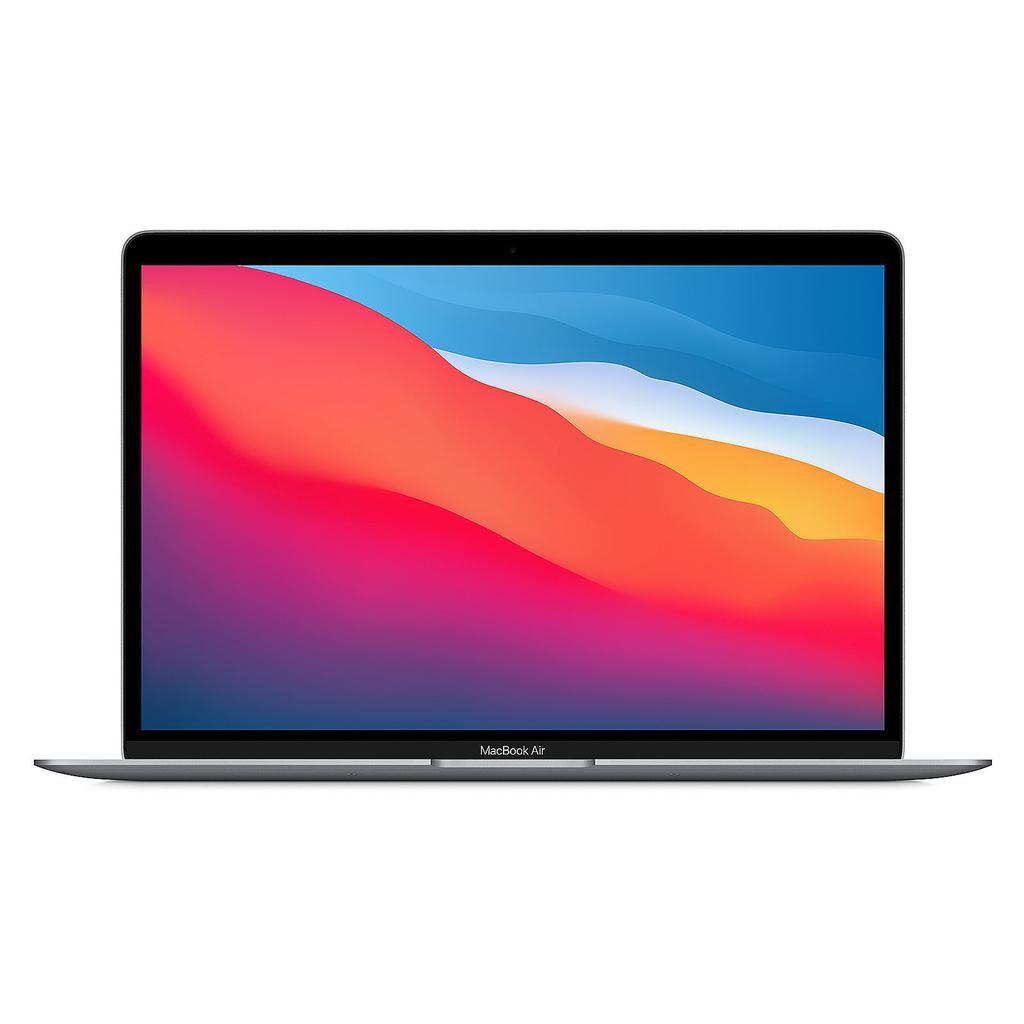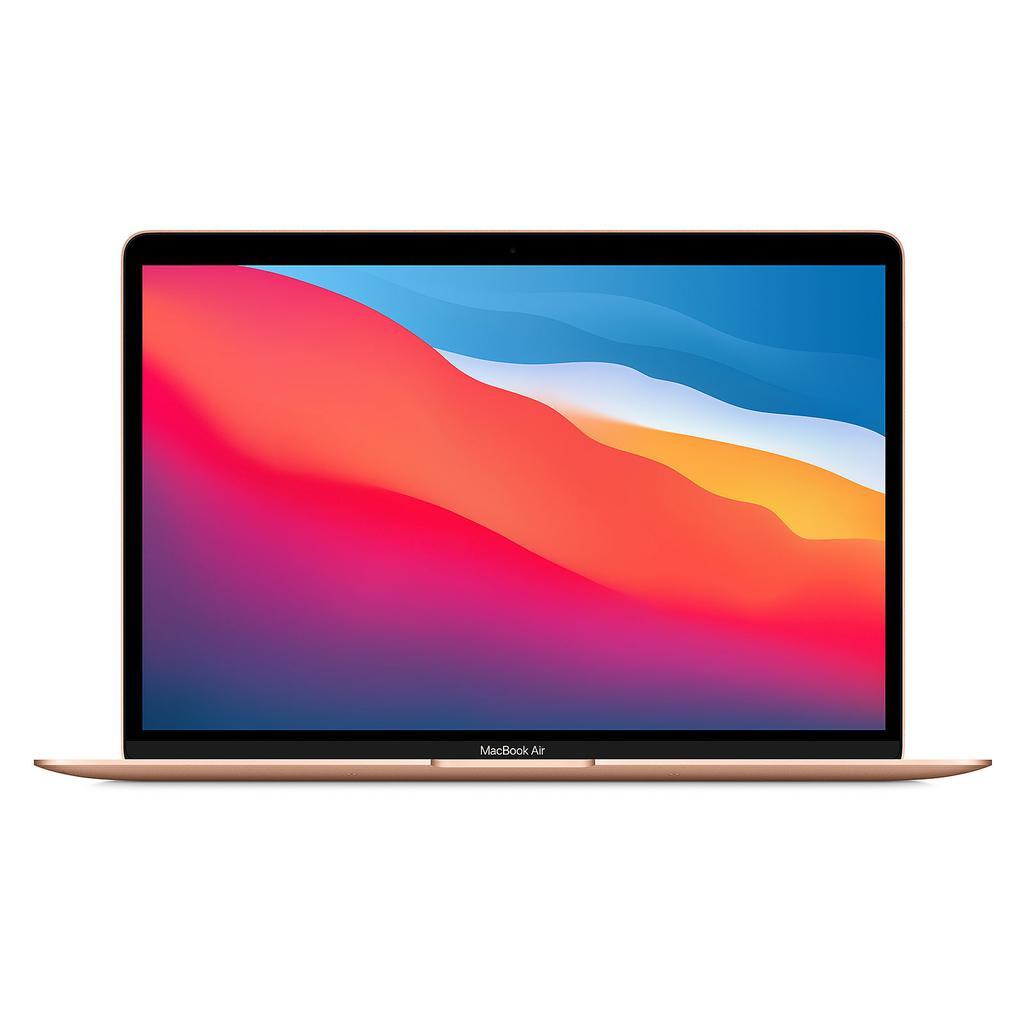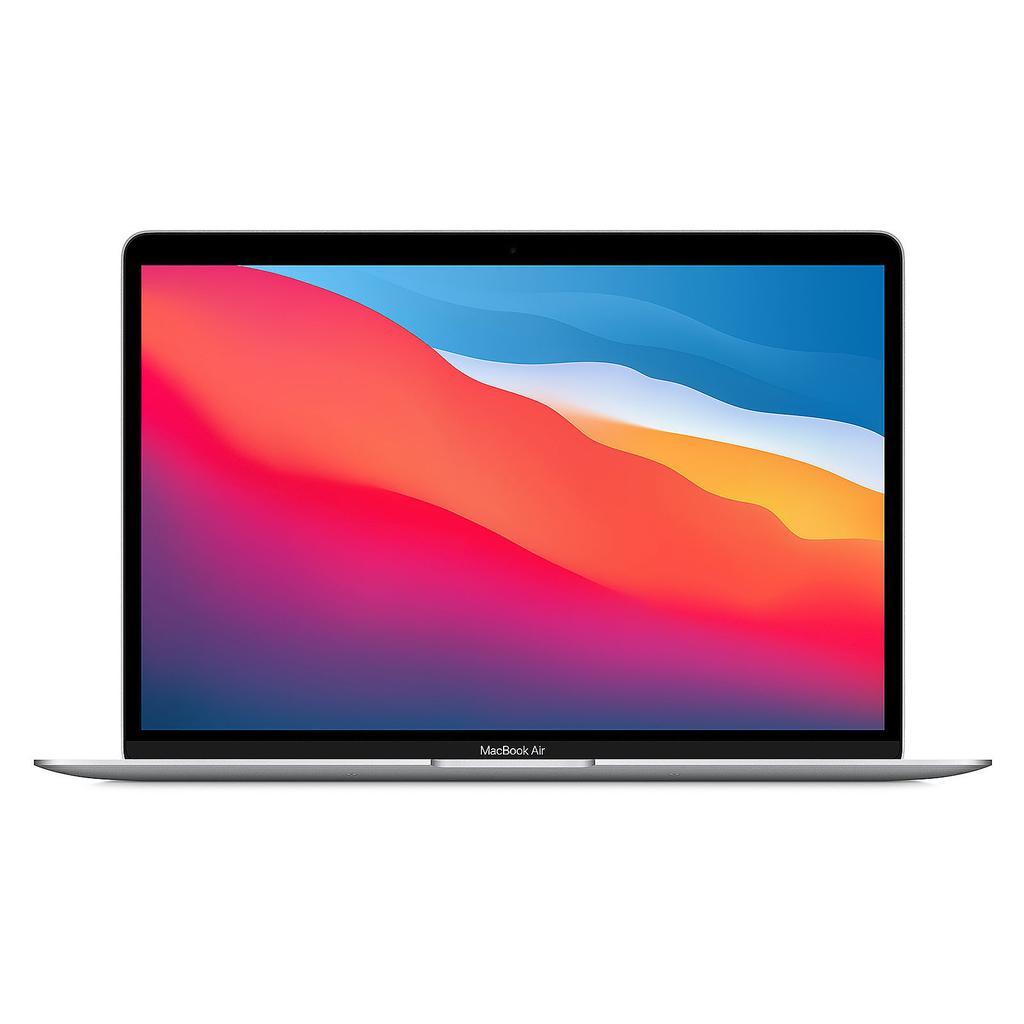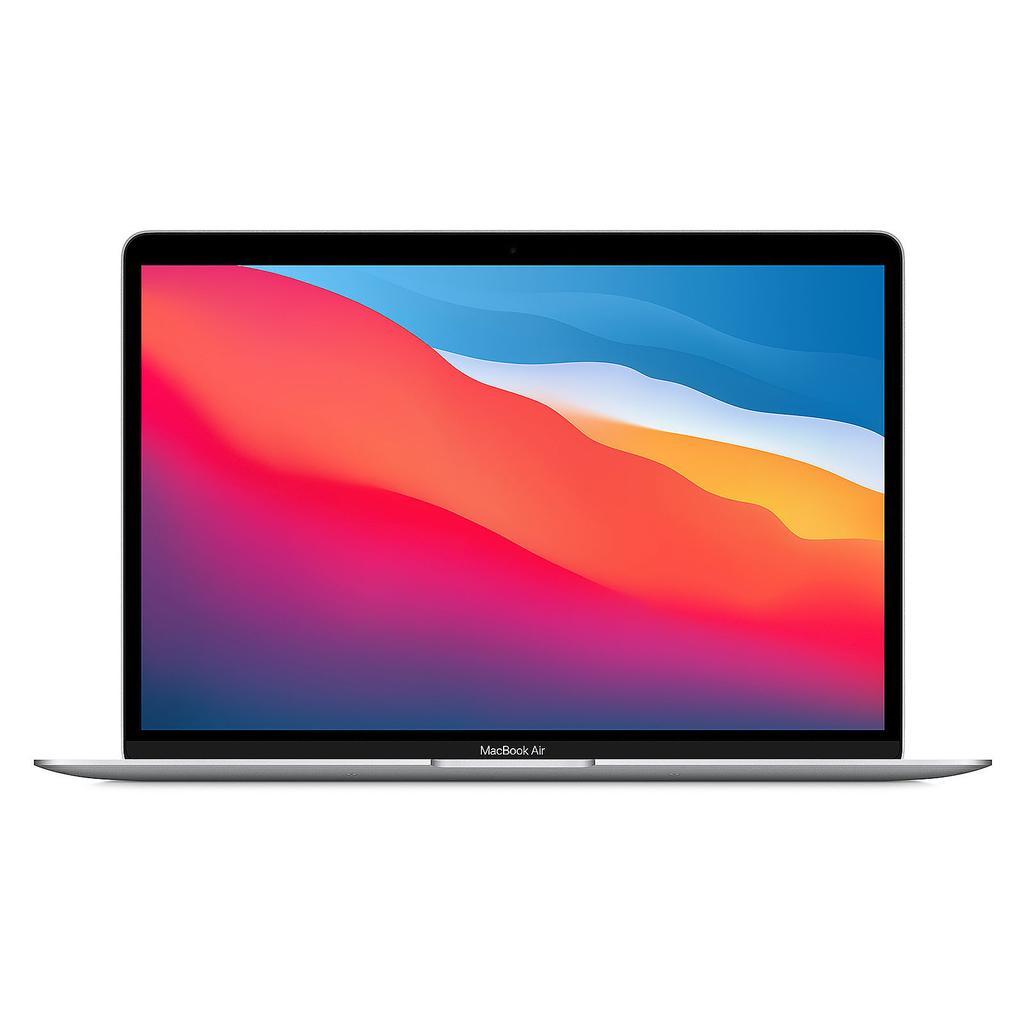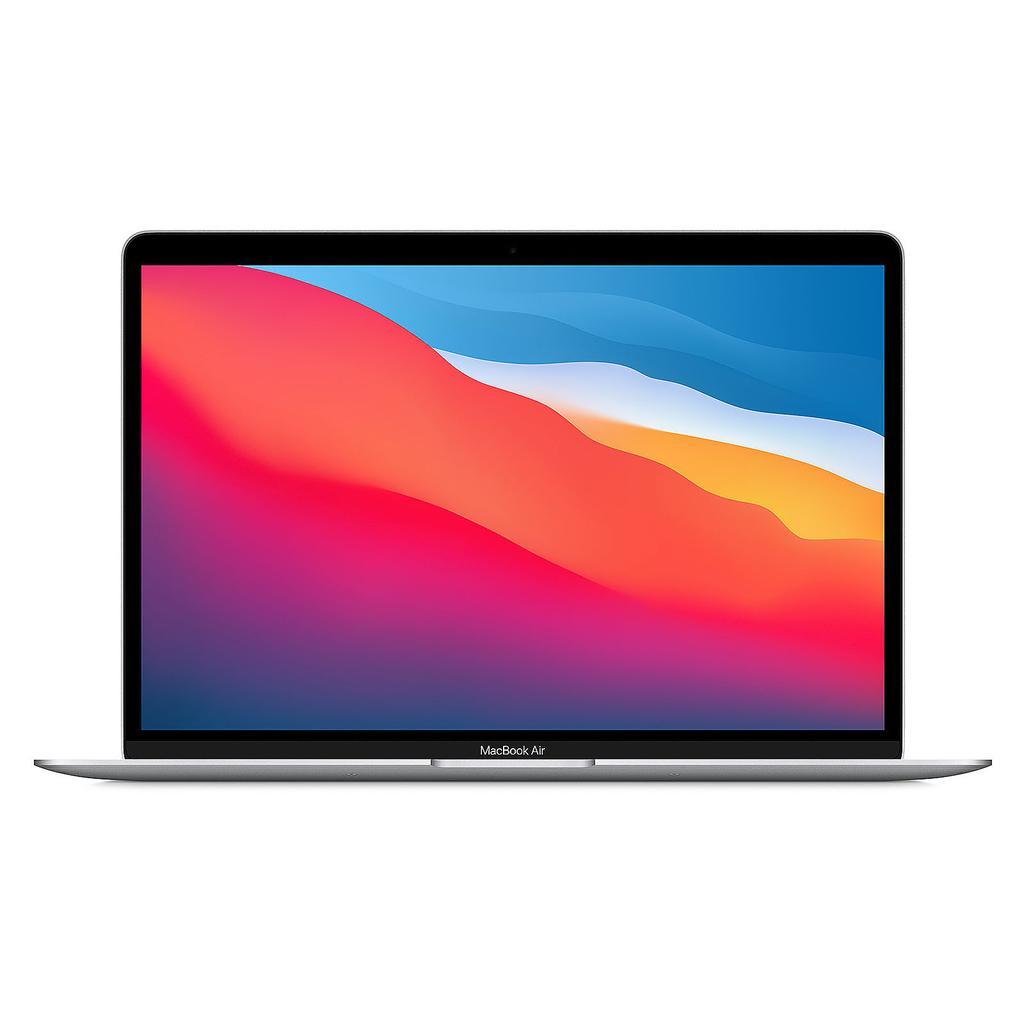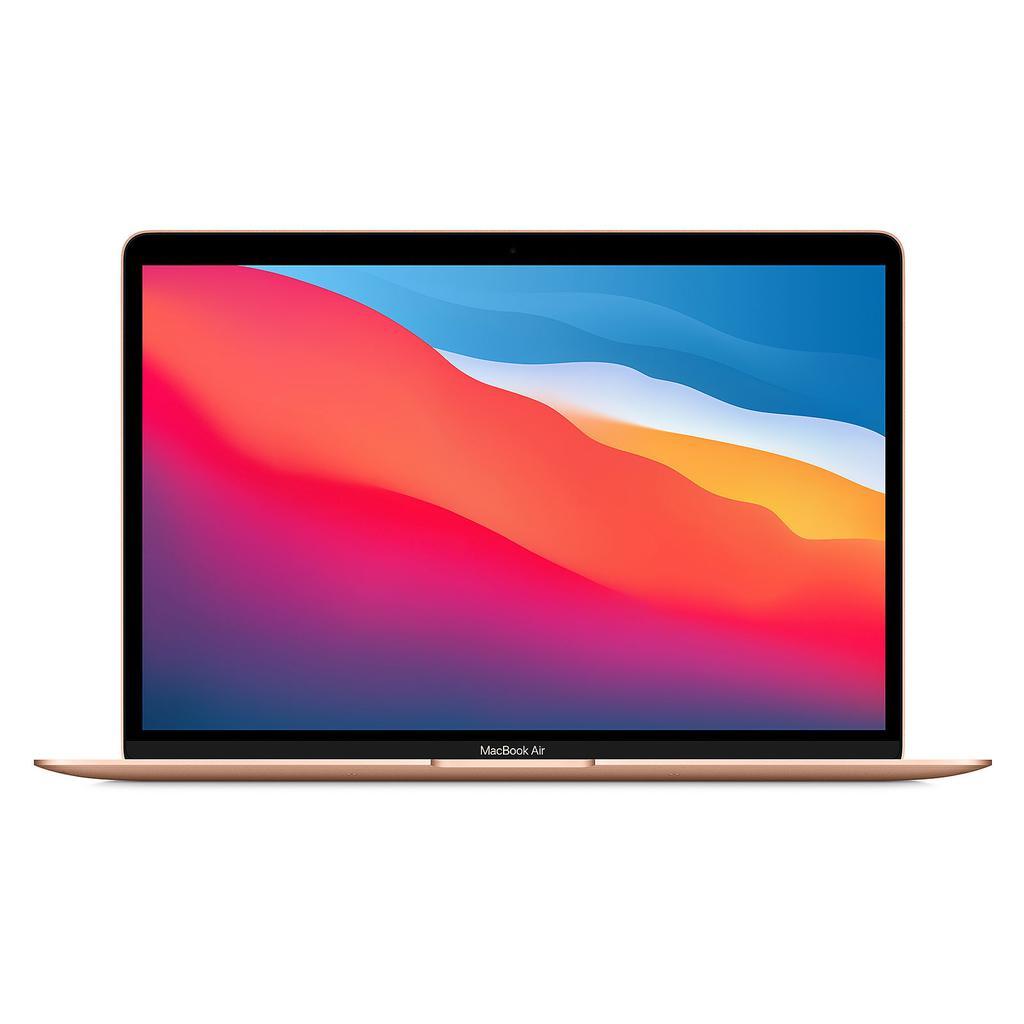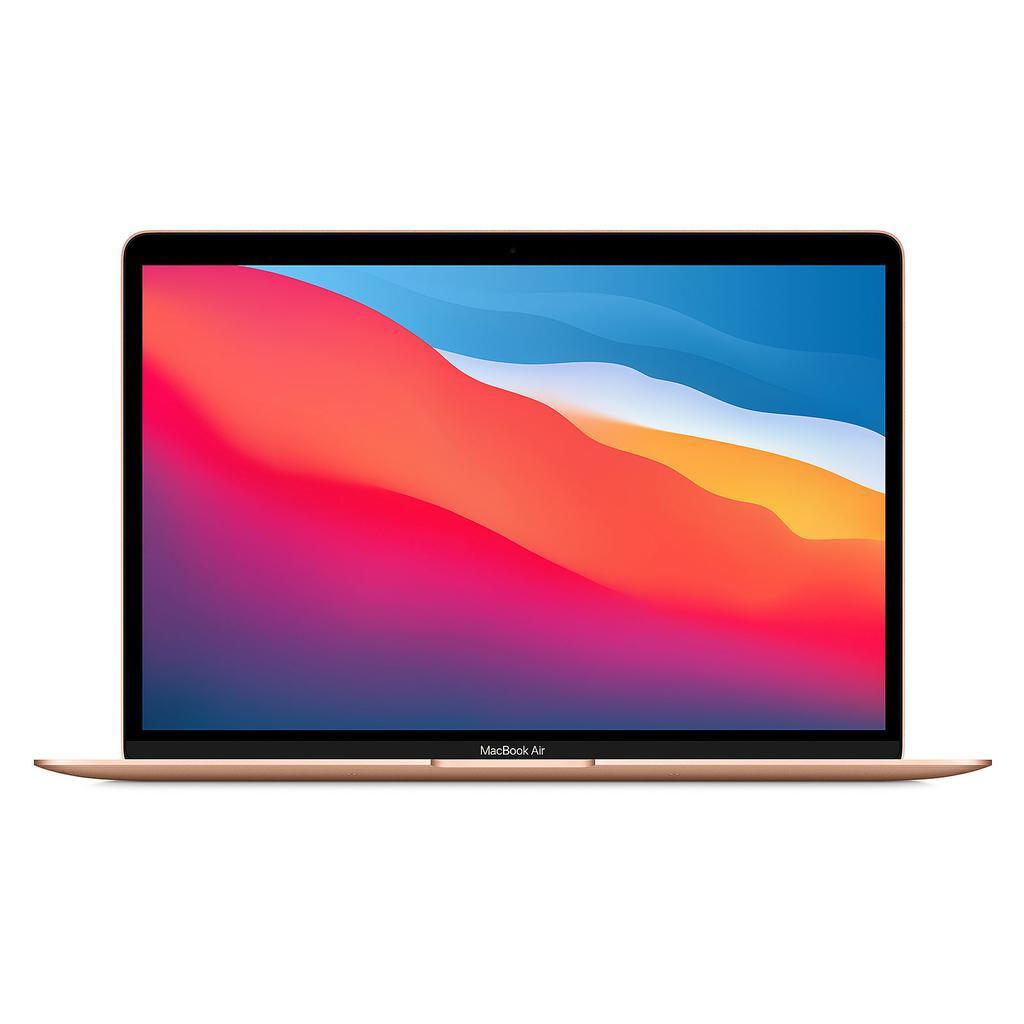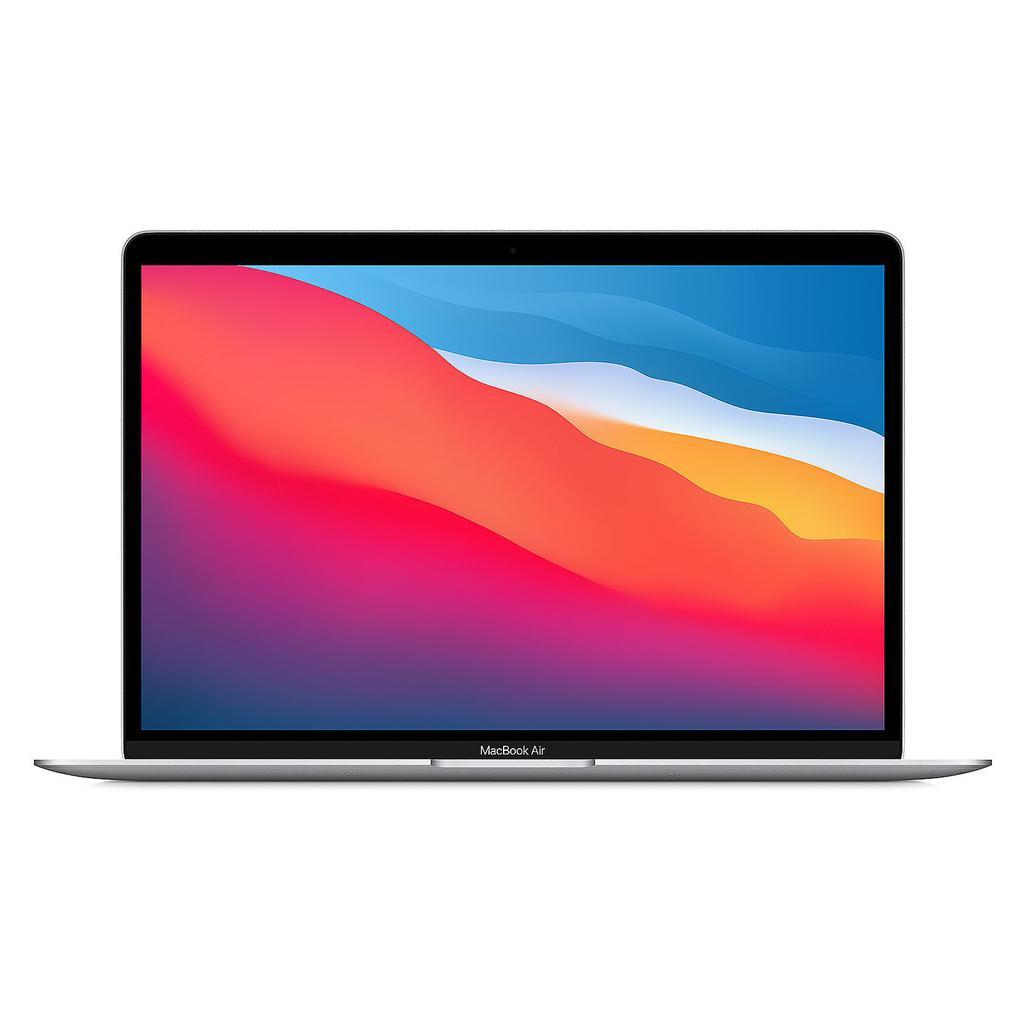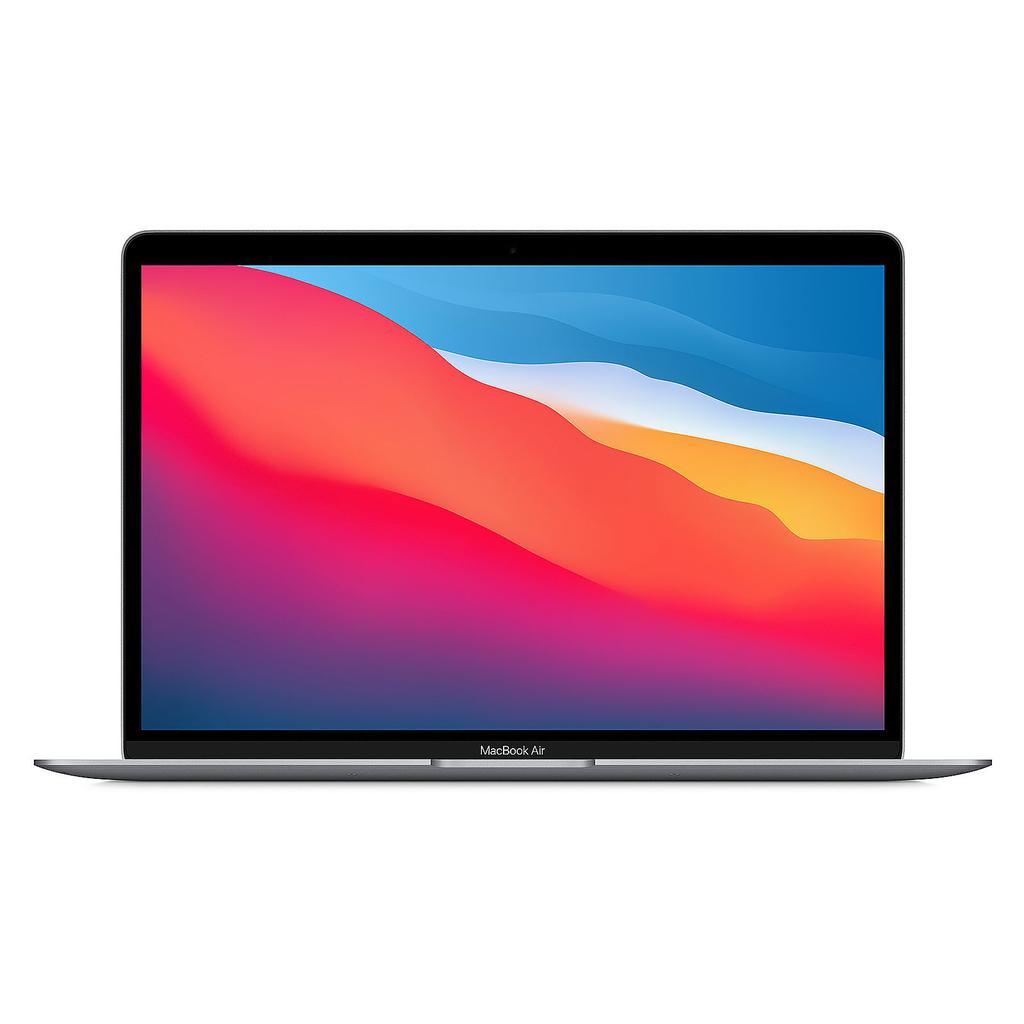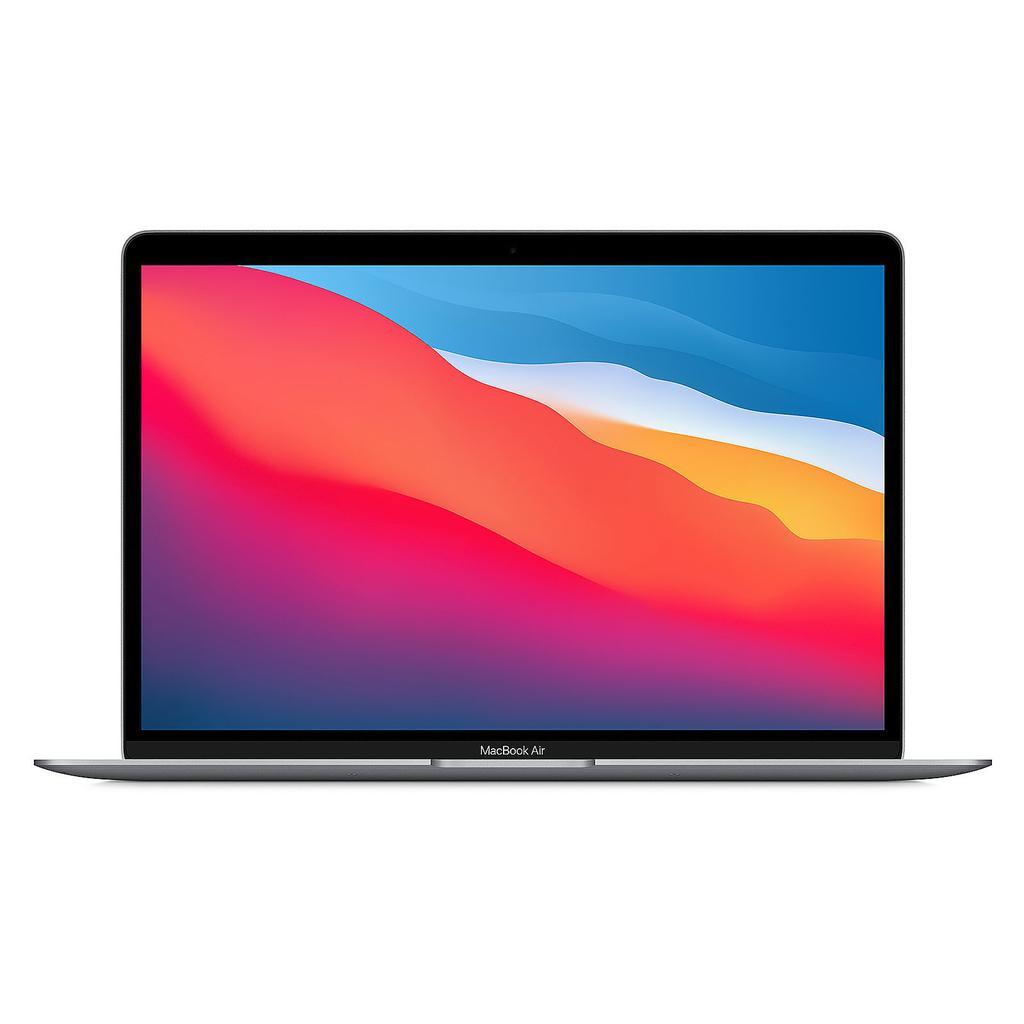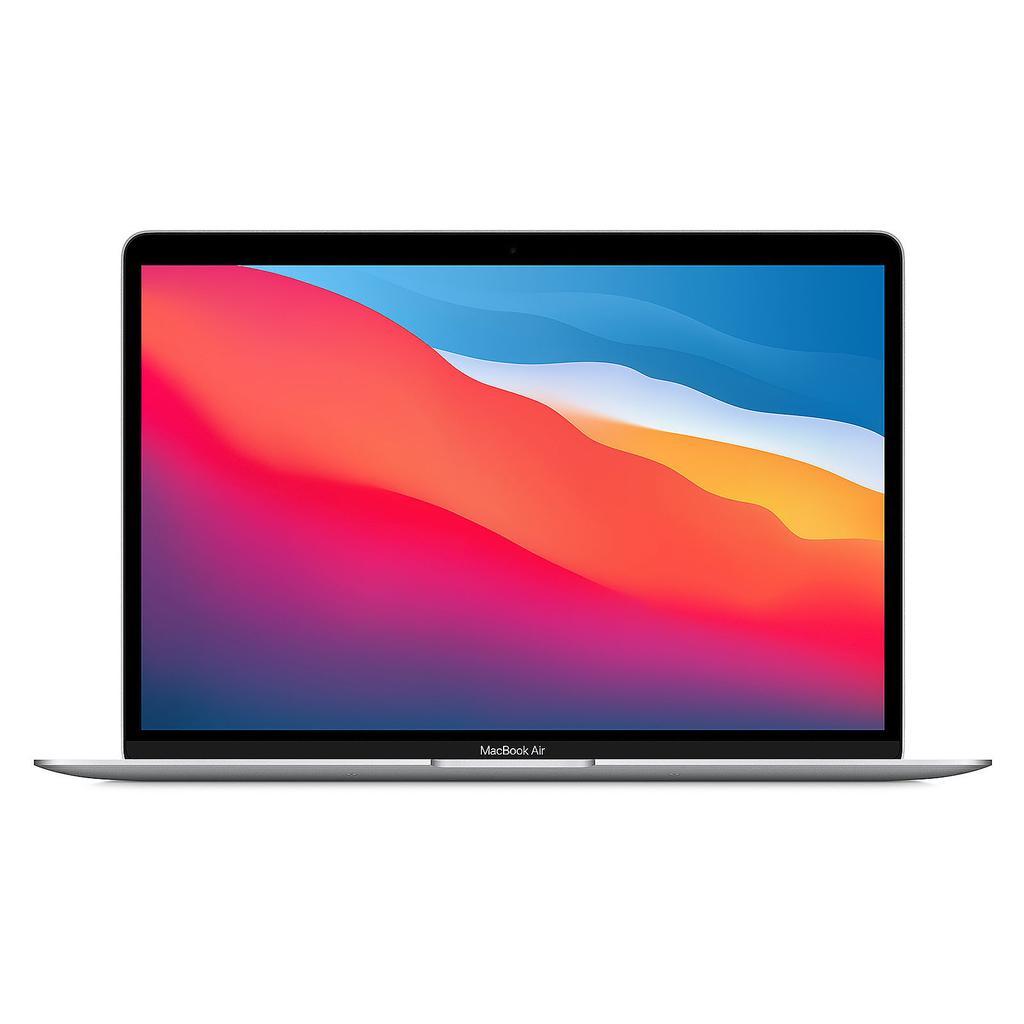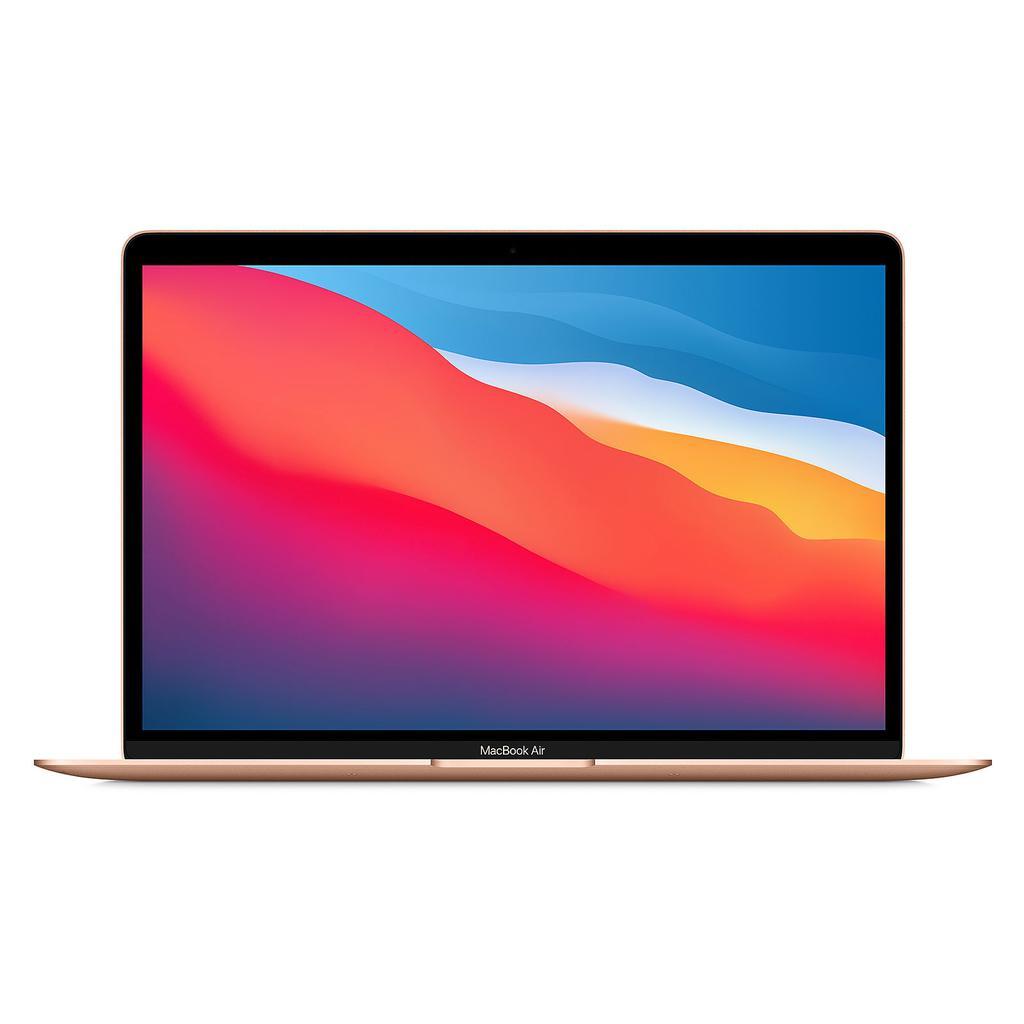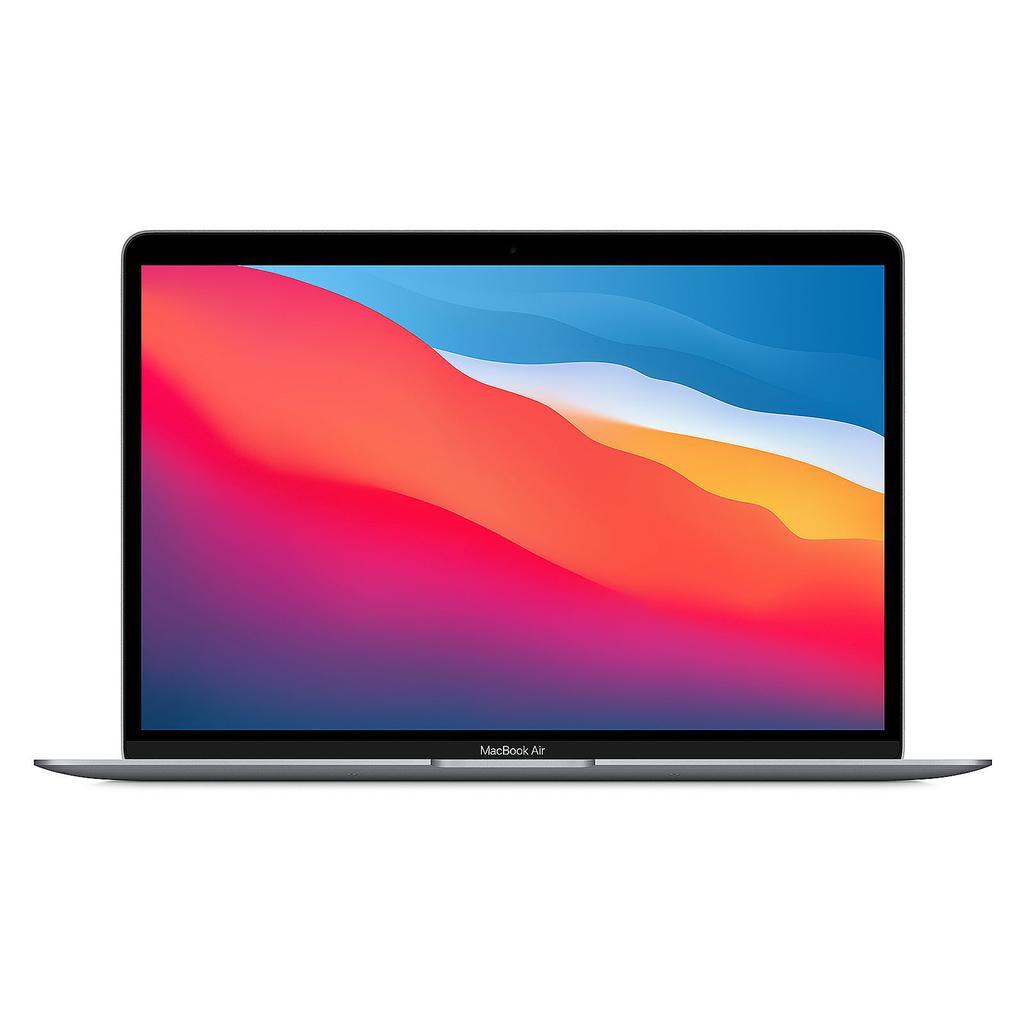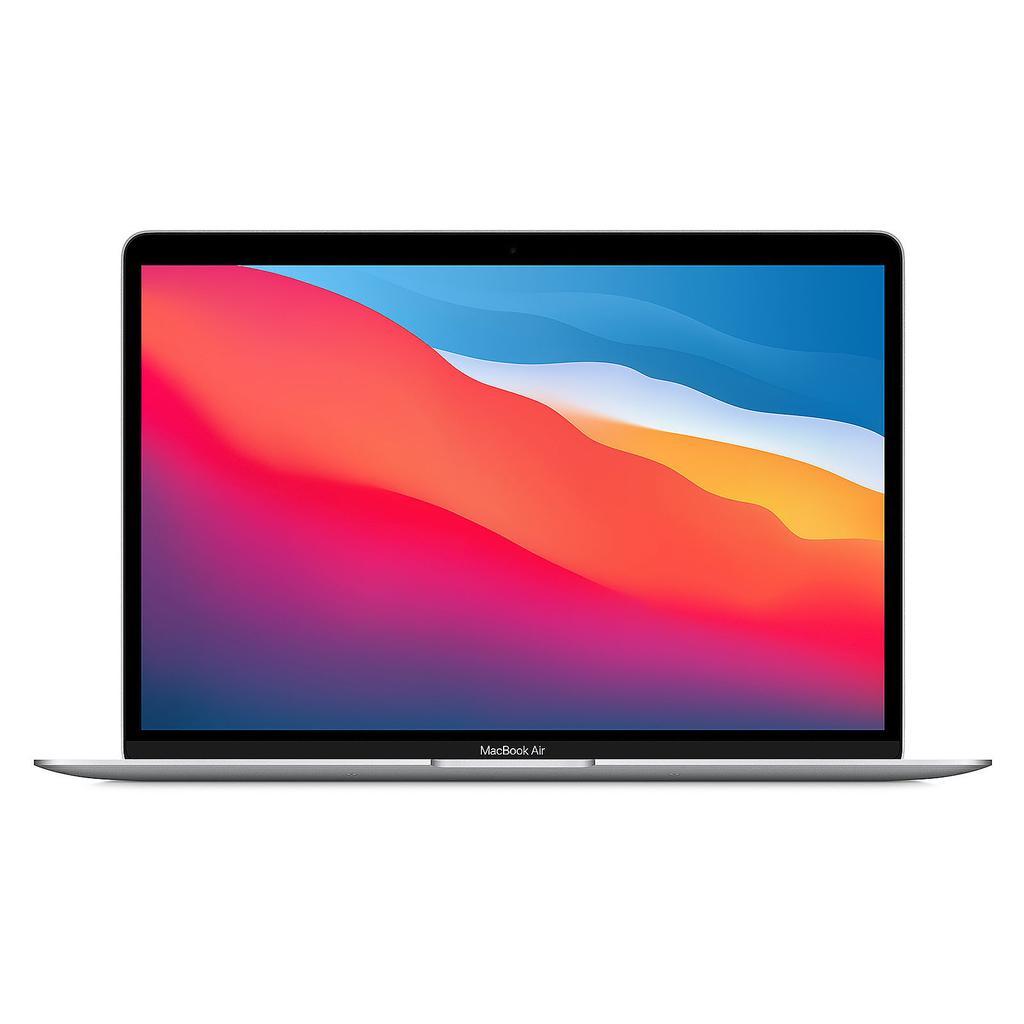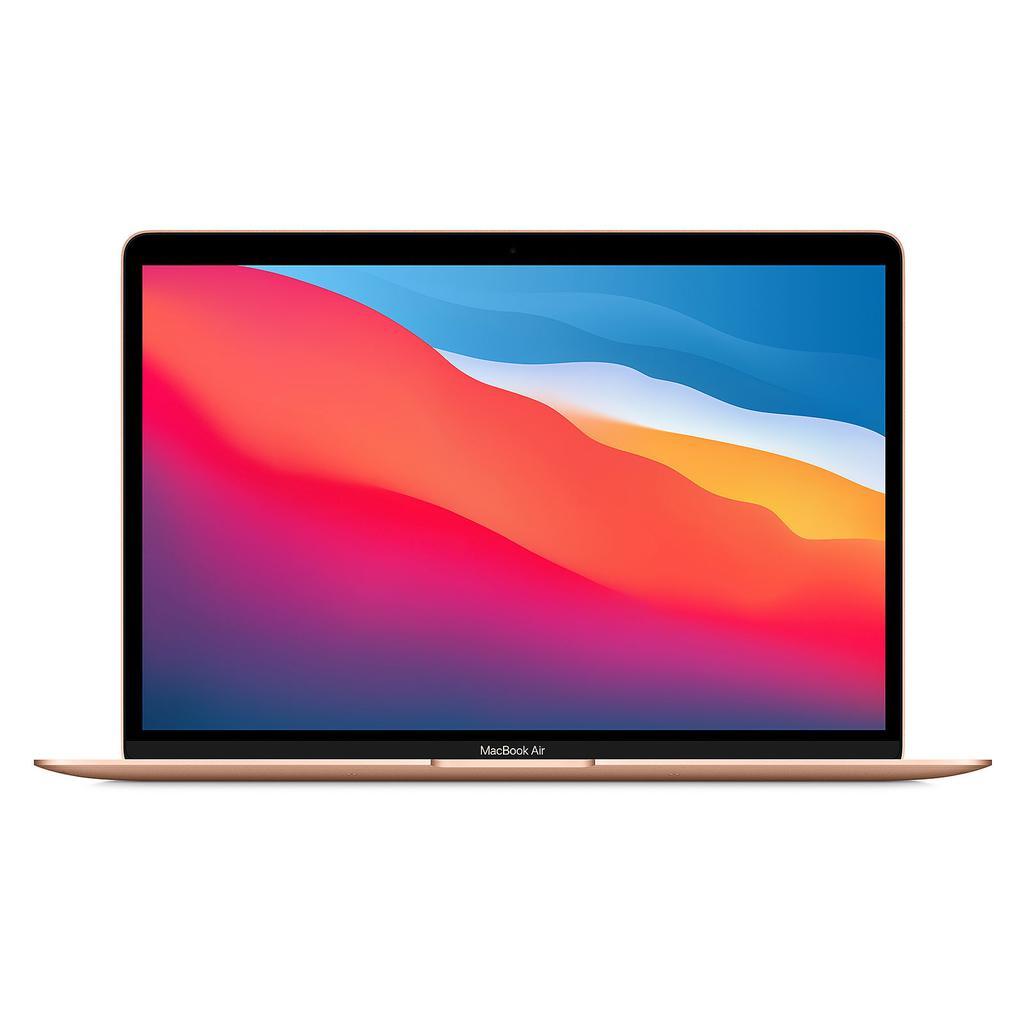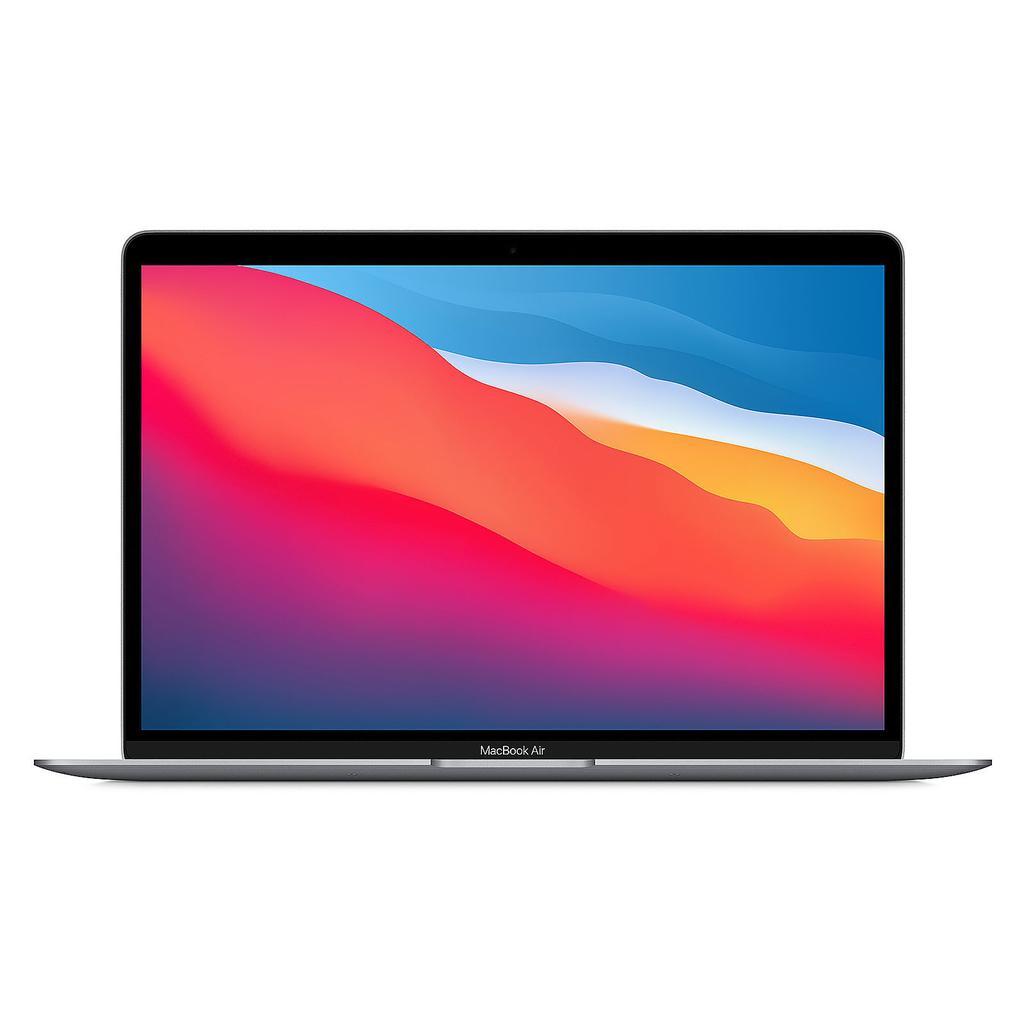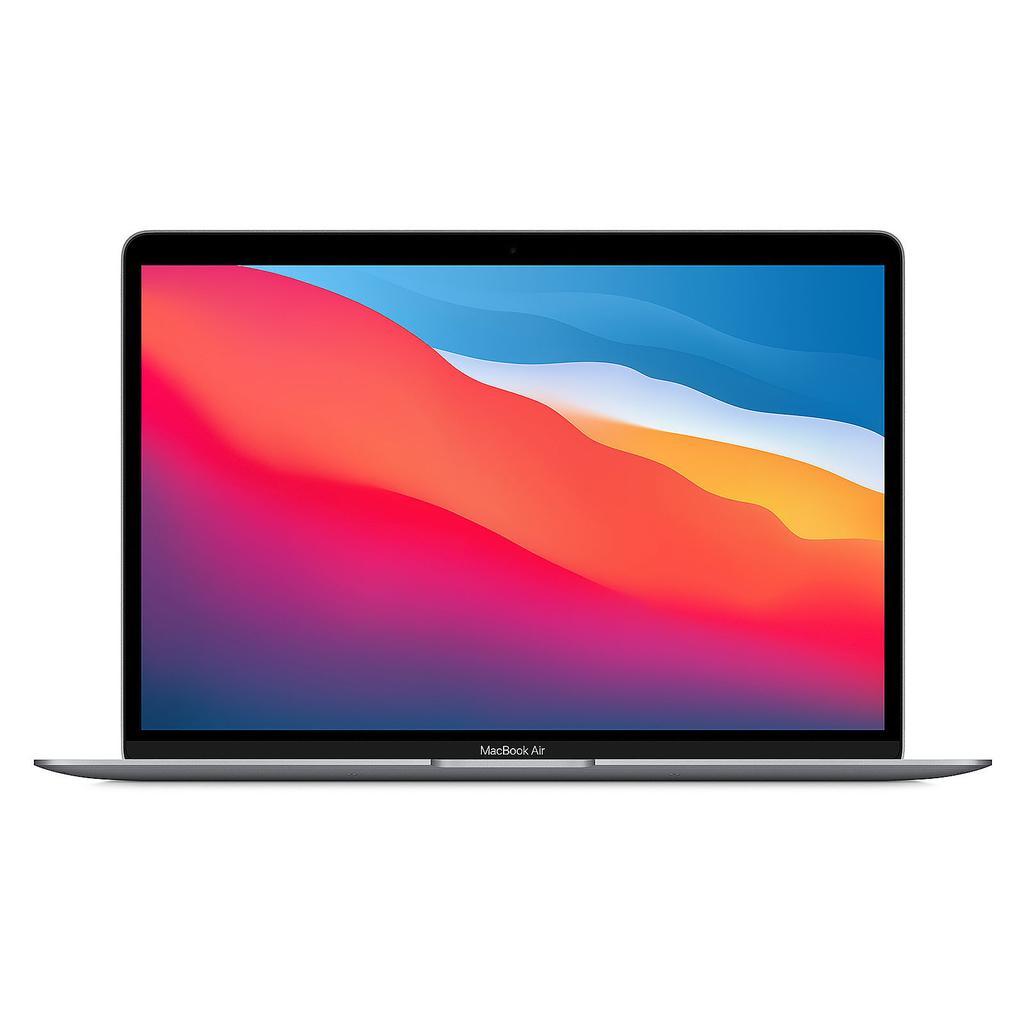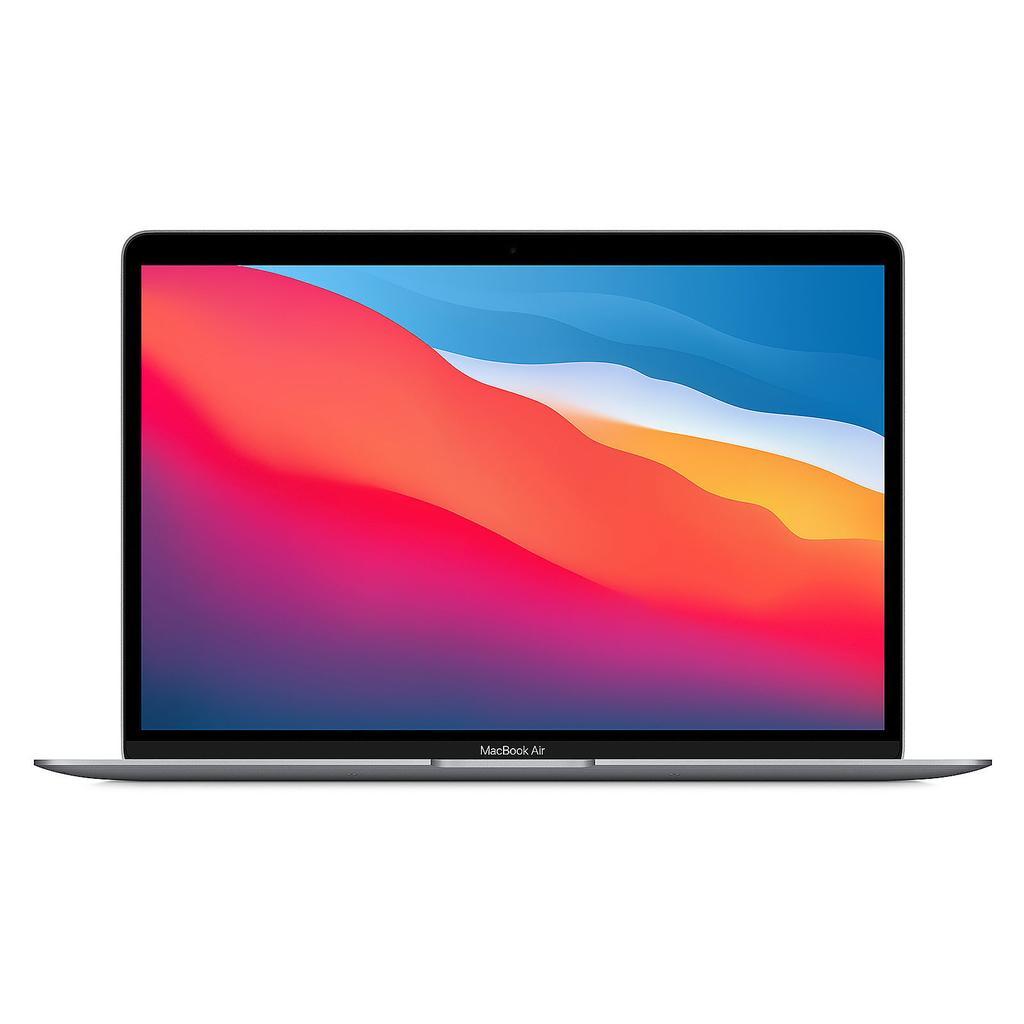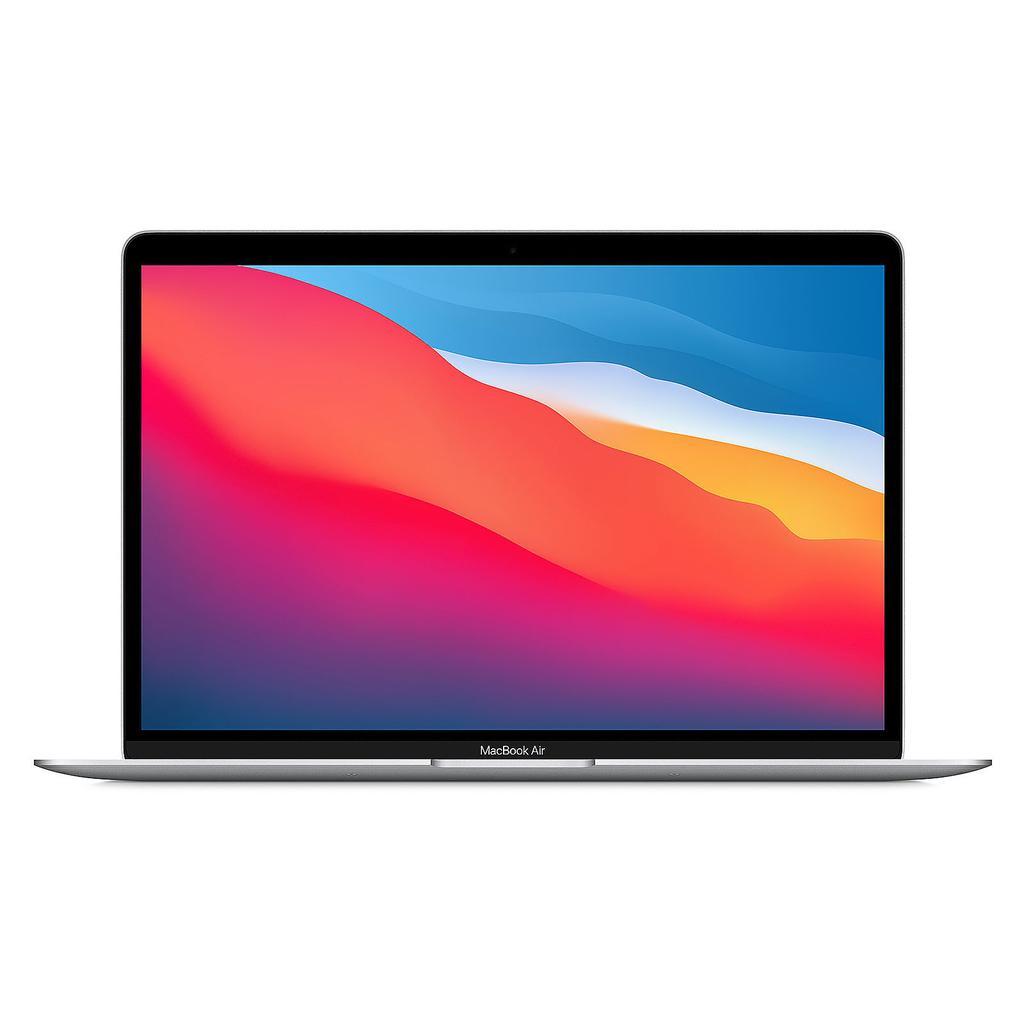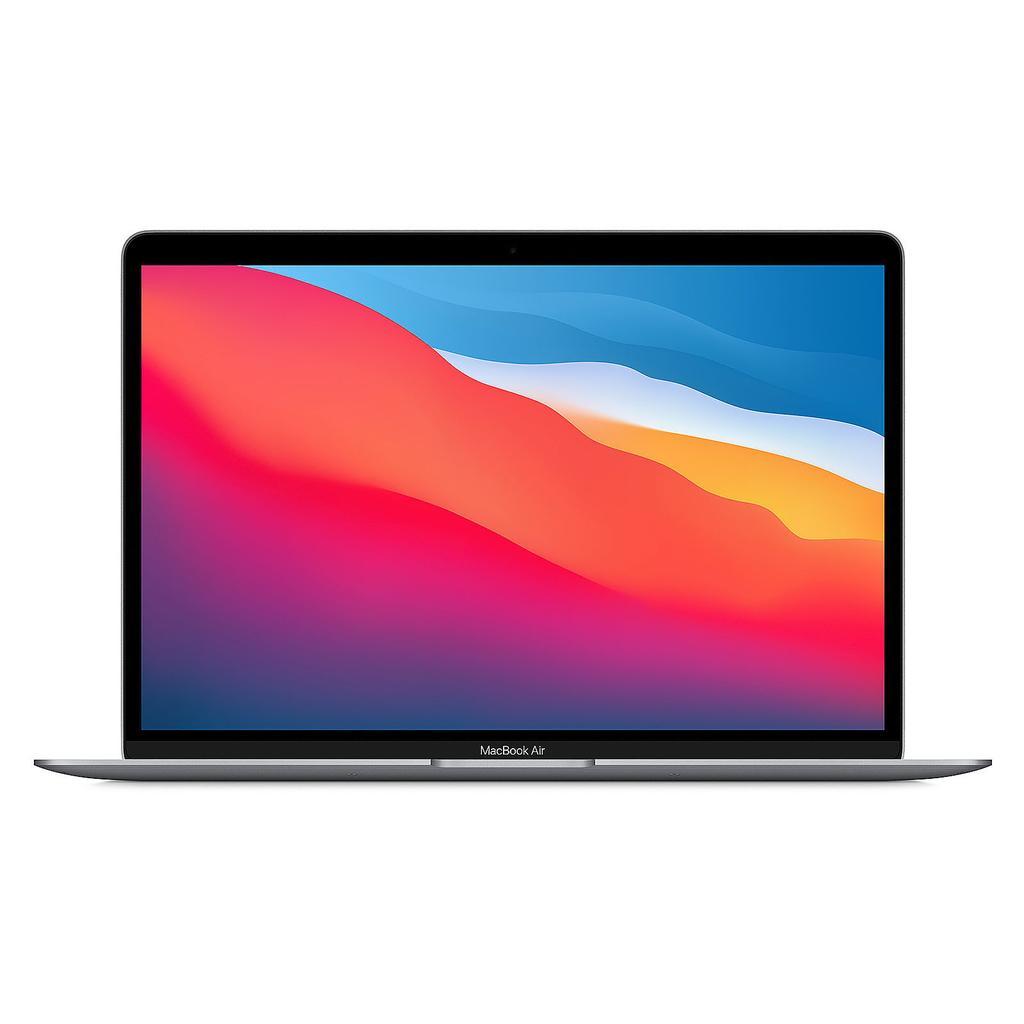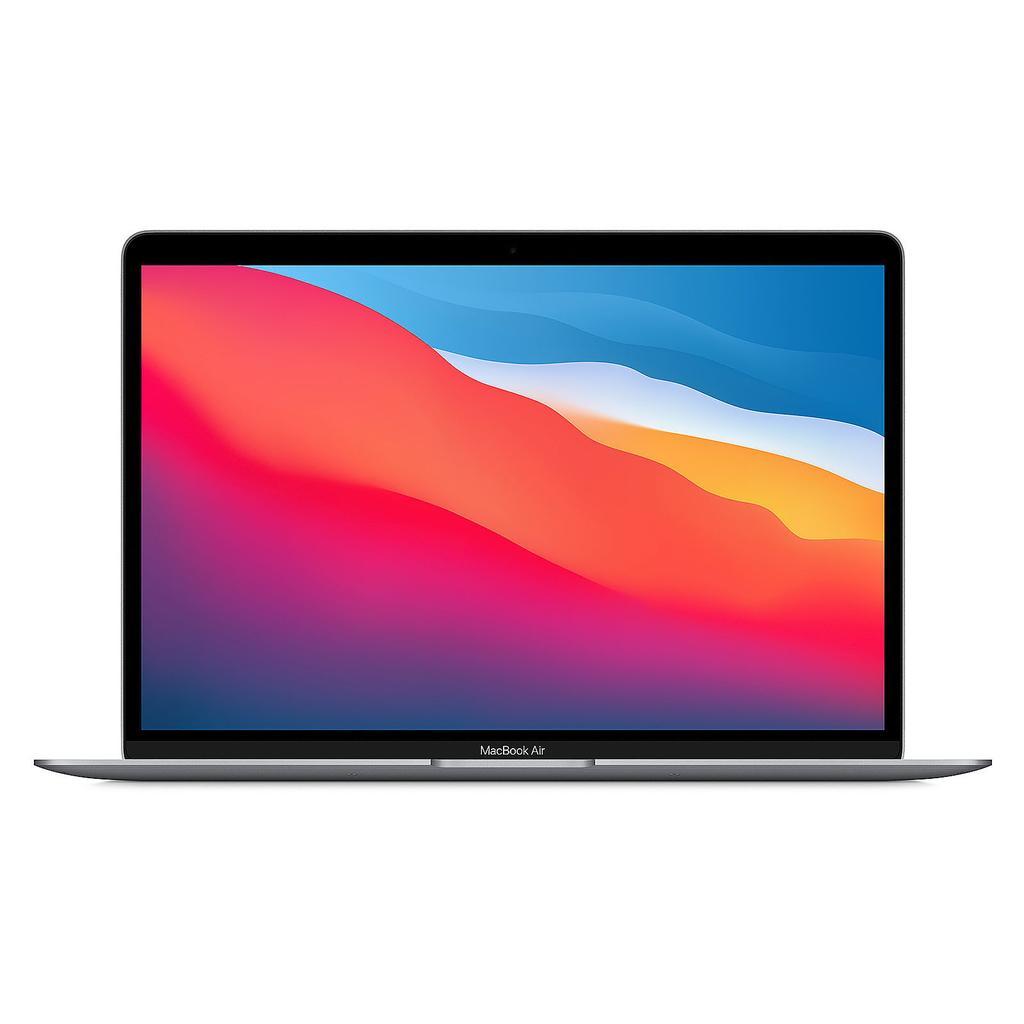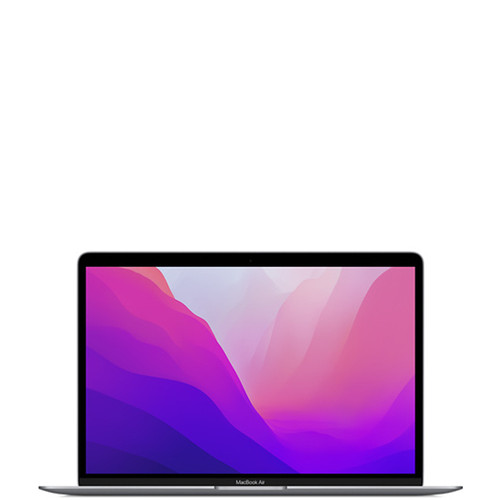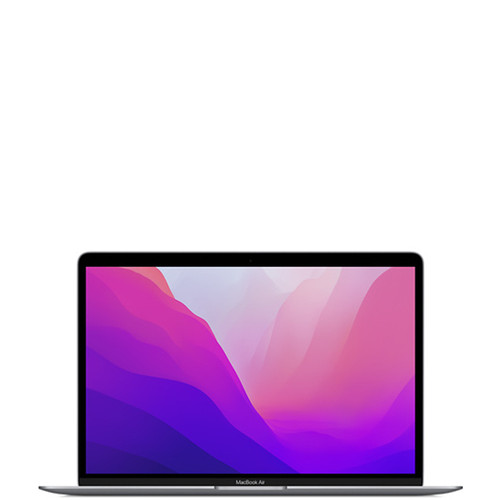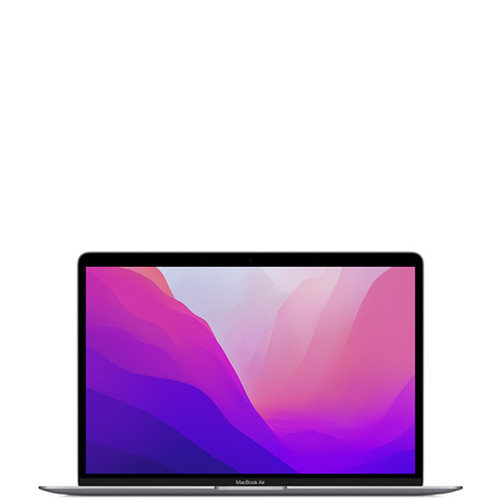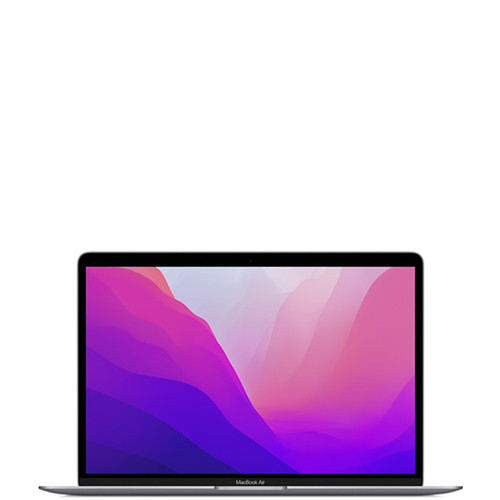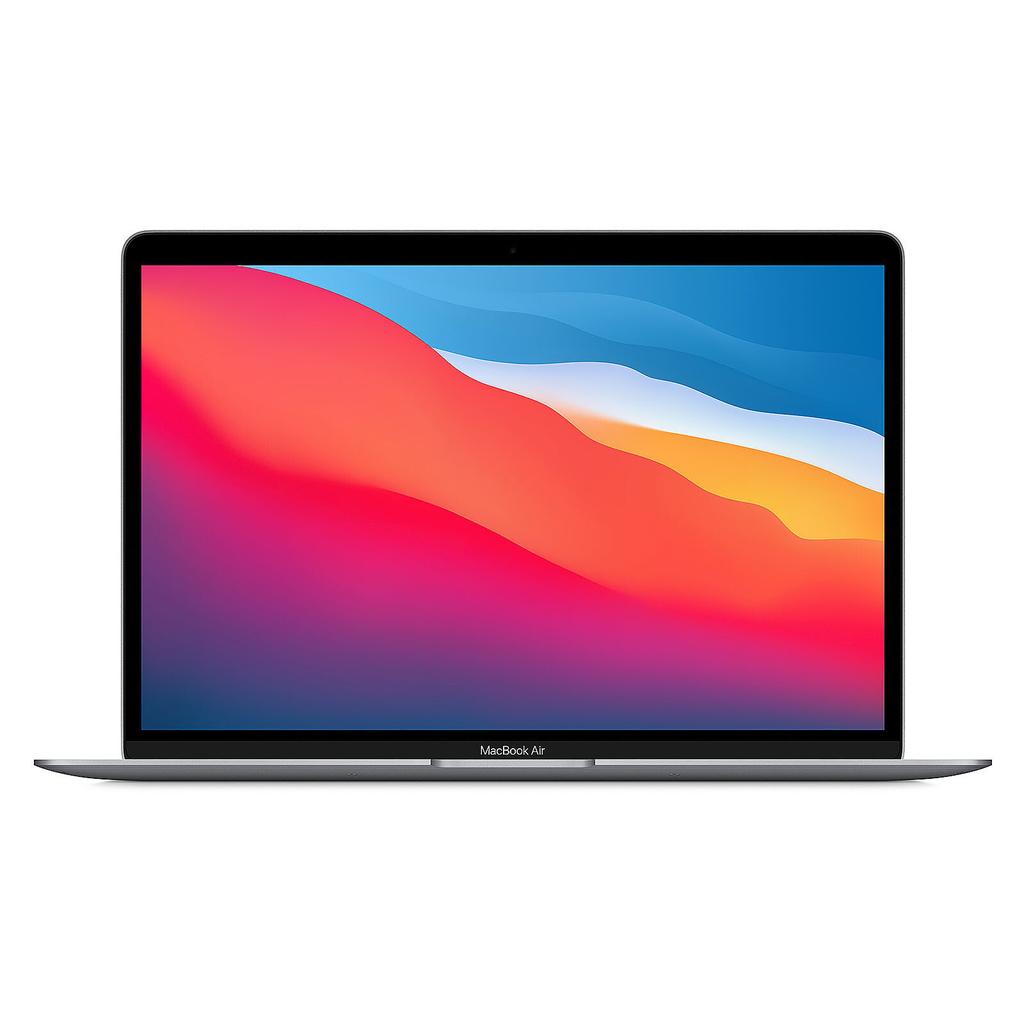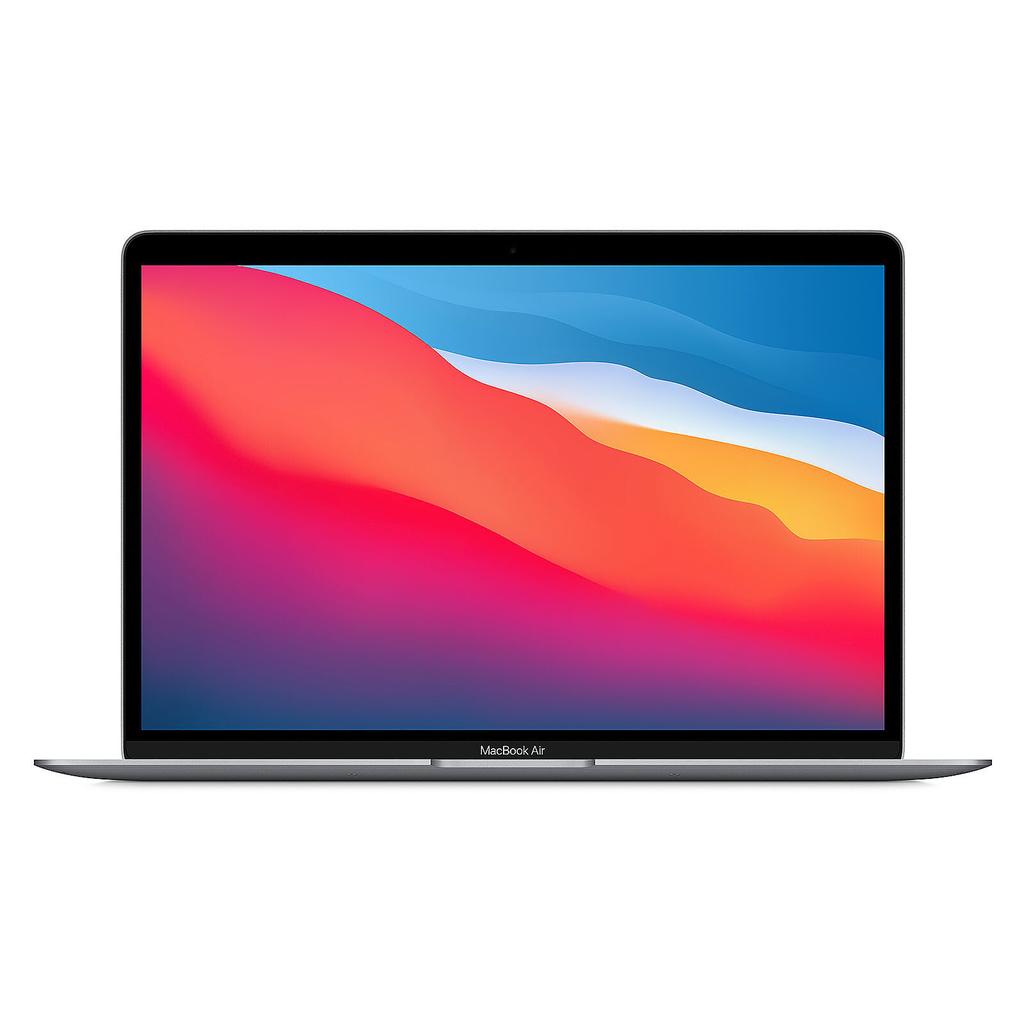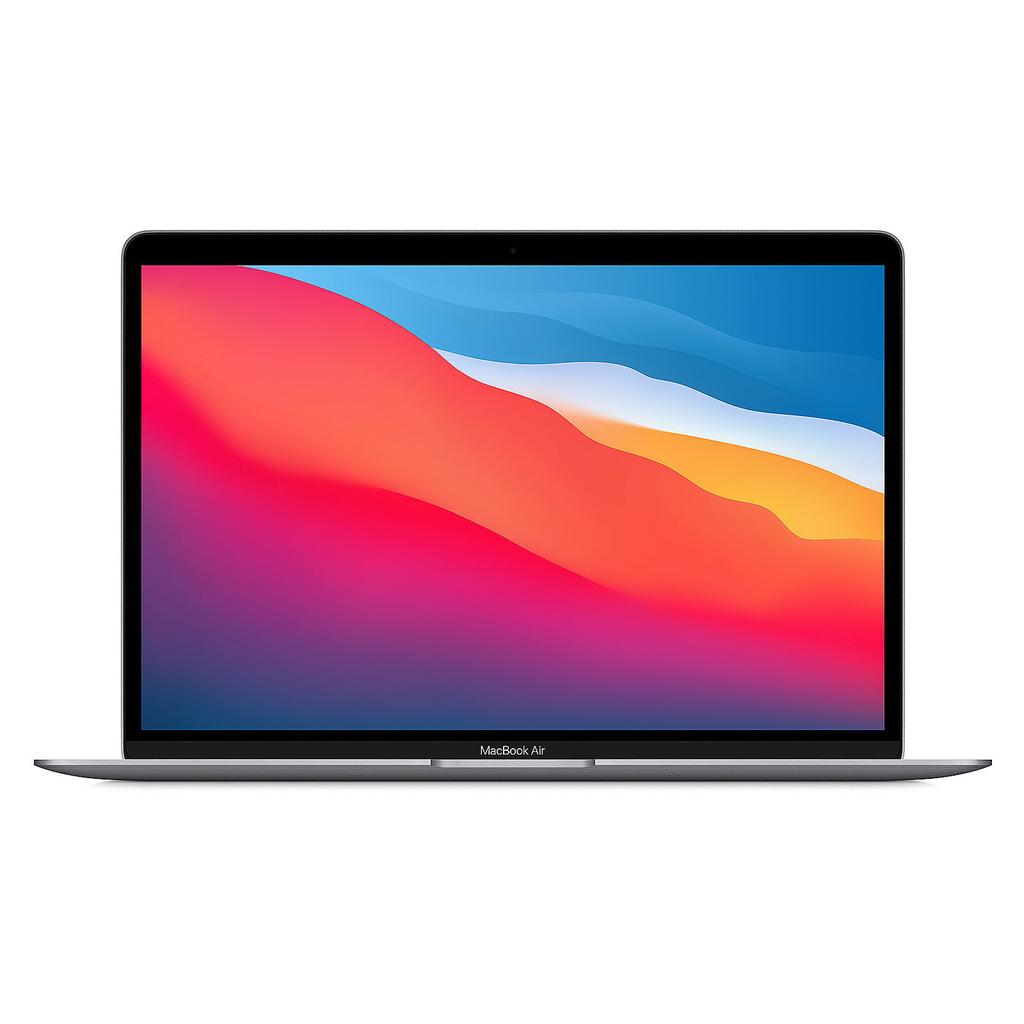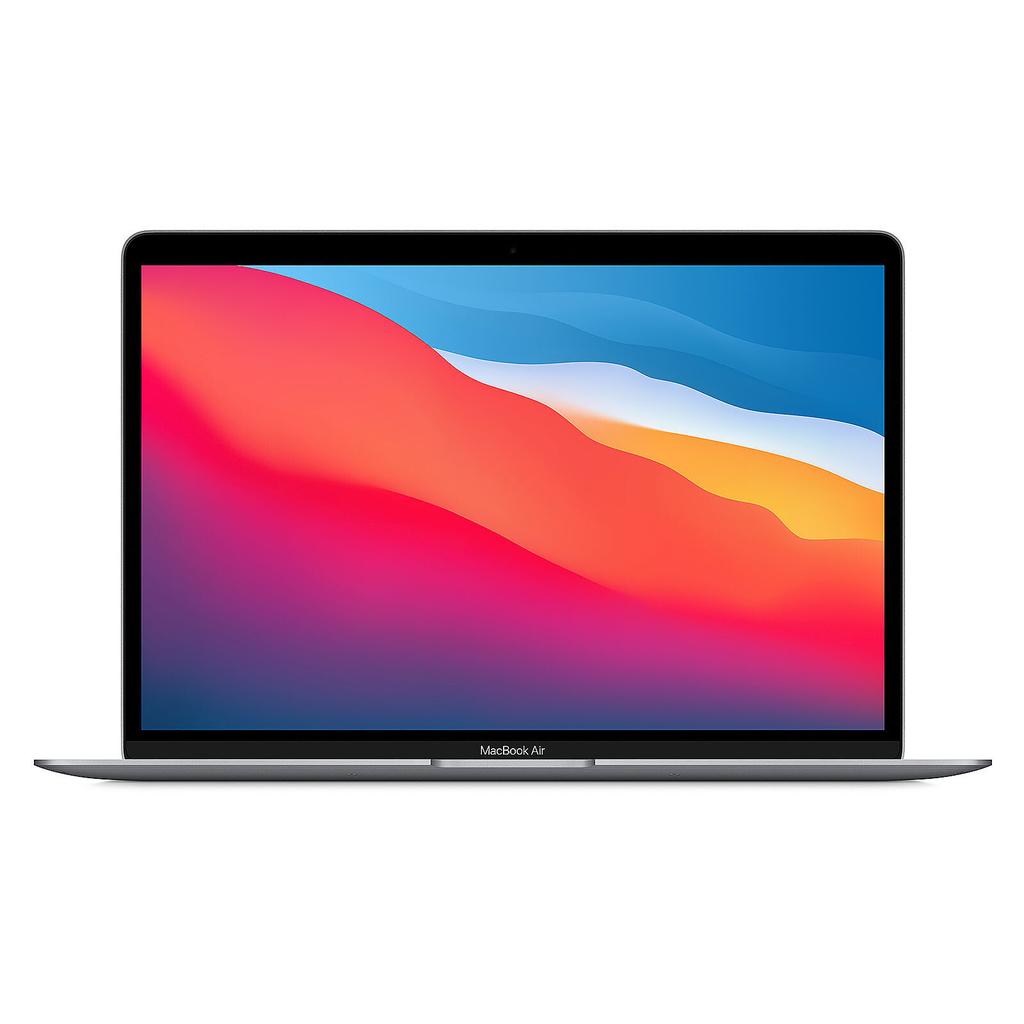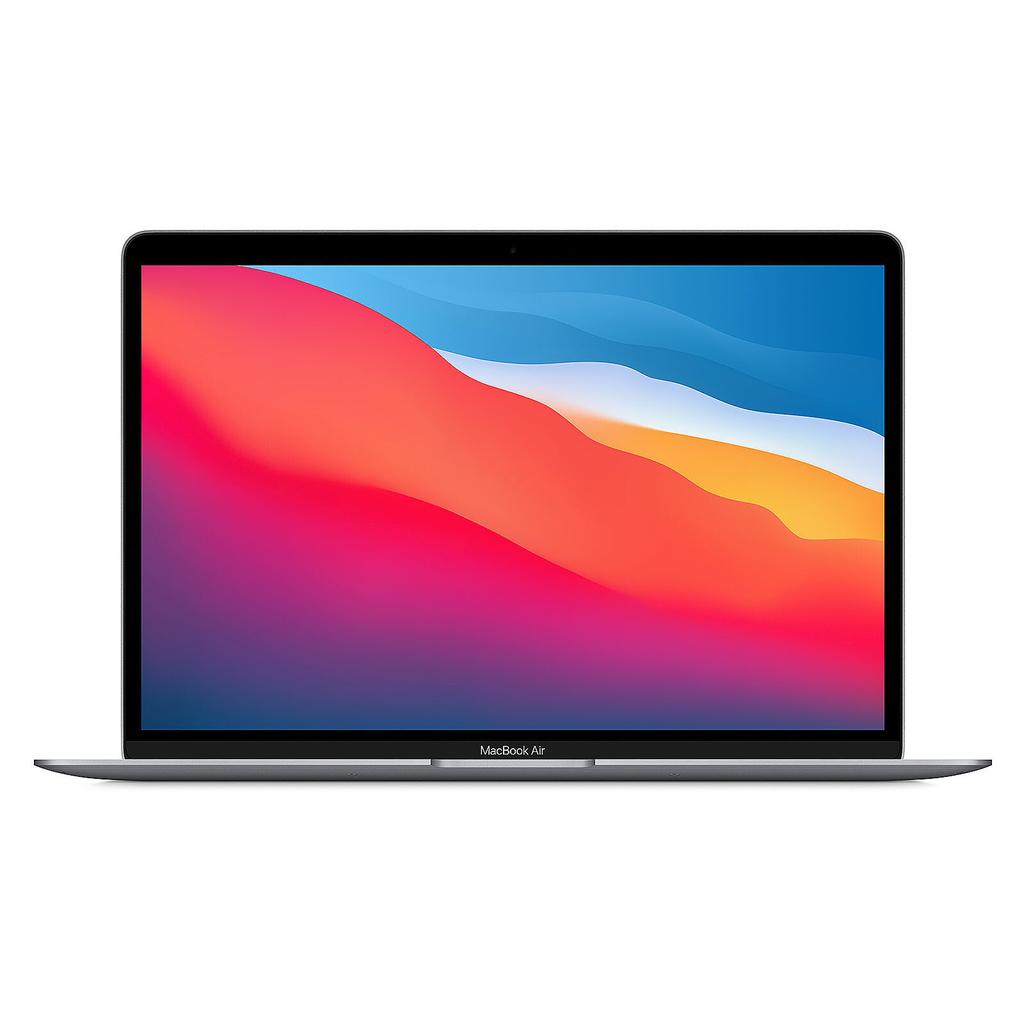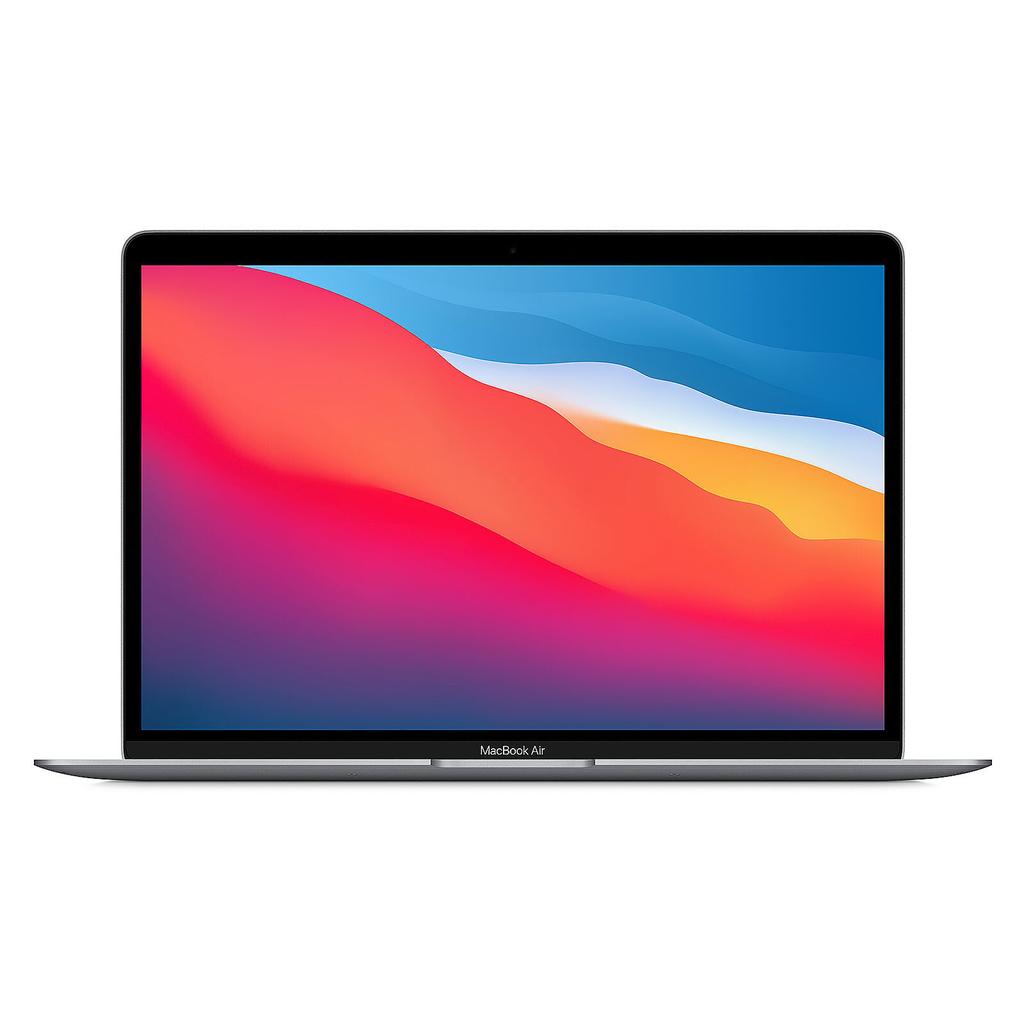
MacBook Air M1 Refurbished Apple

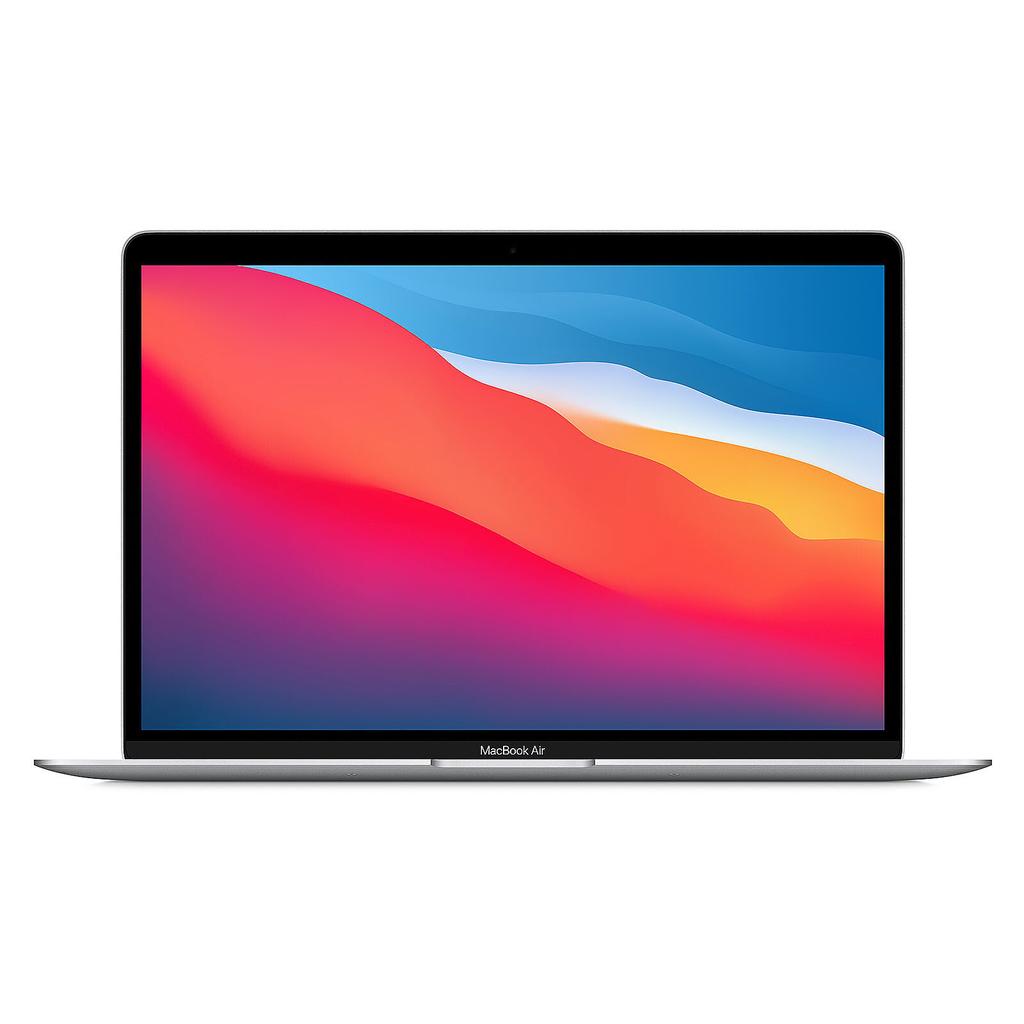
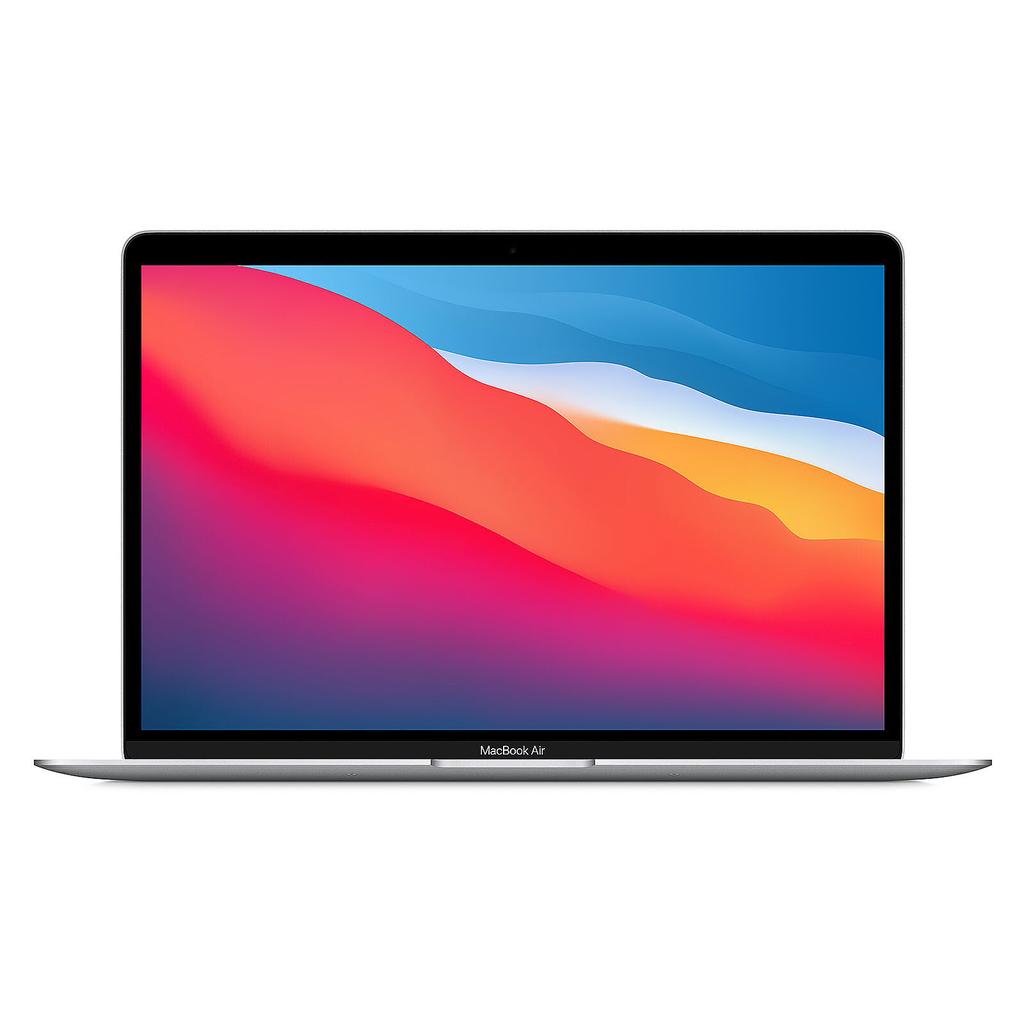
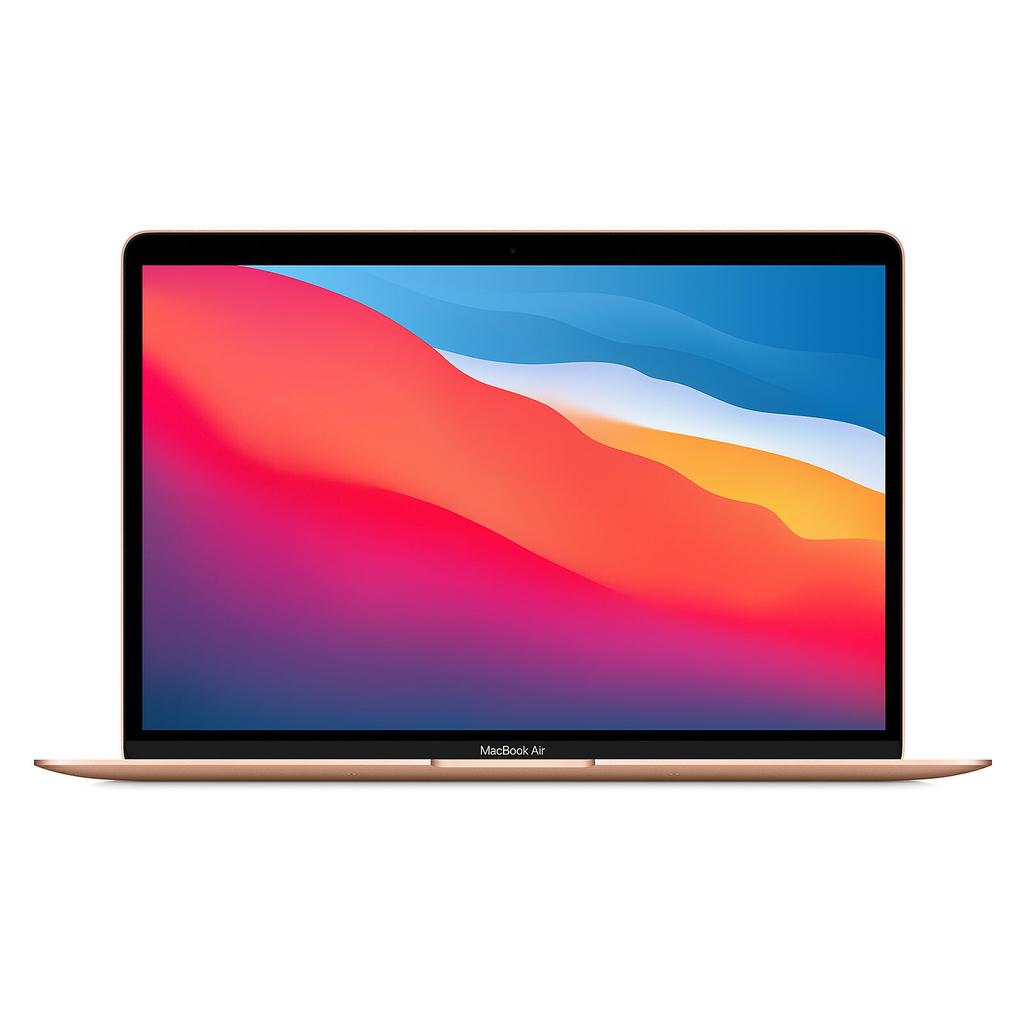
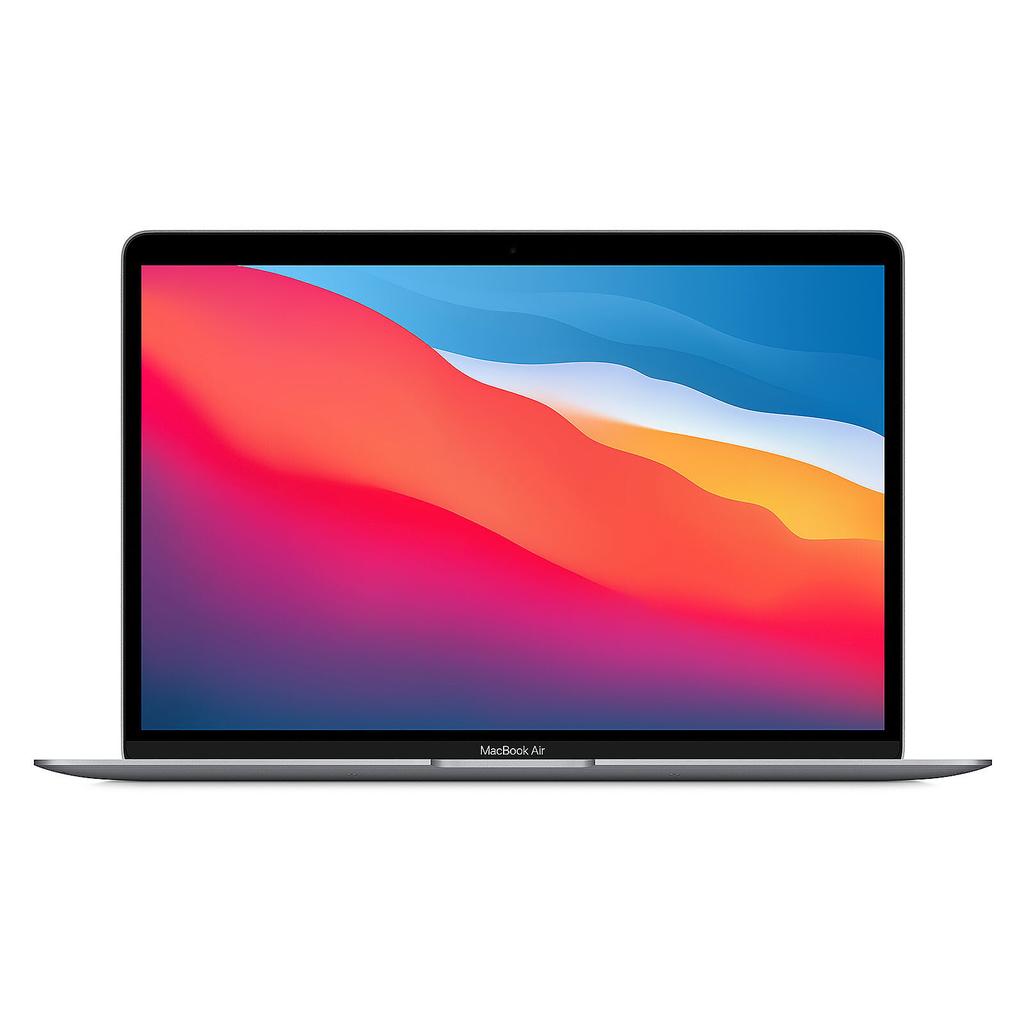
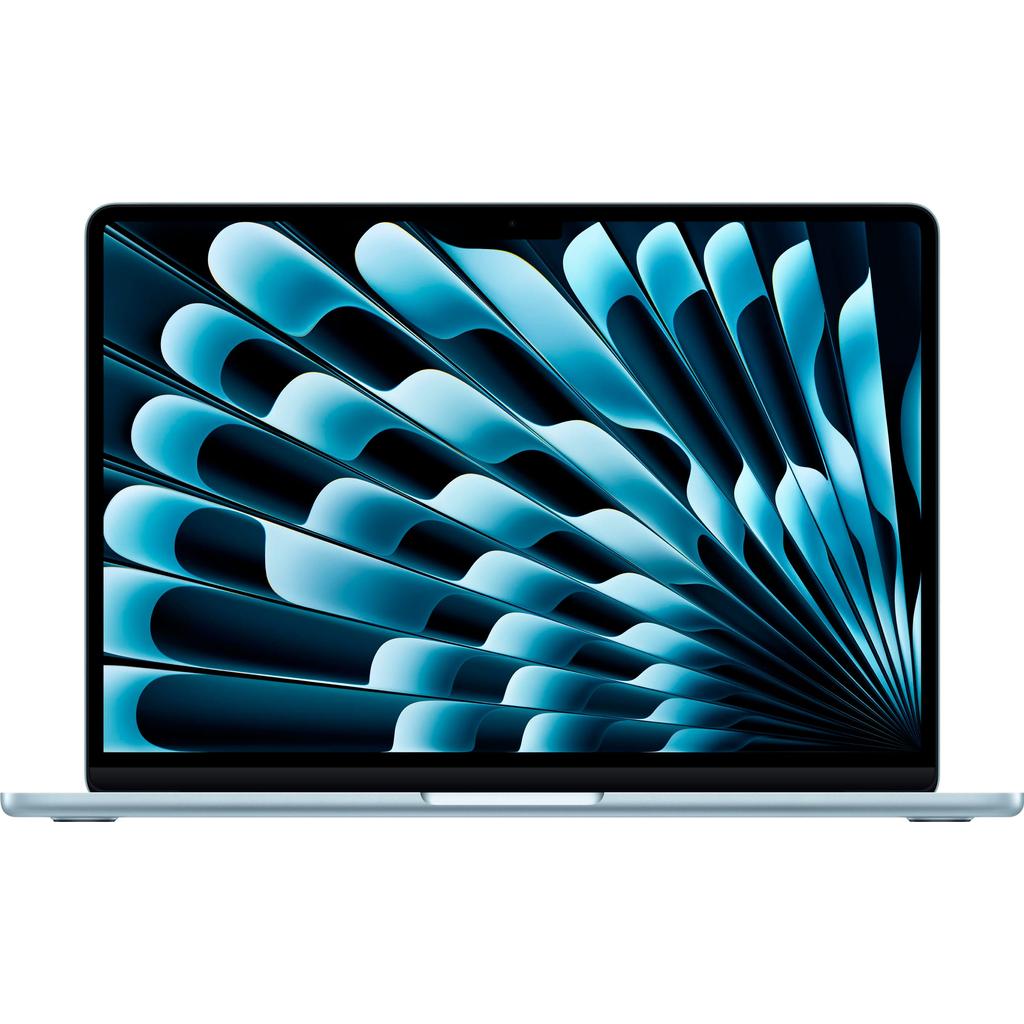
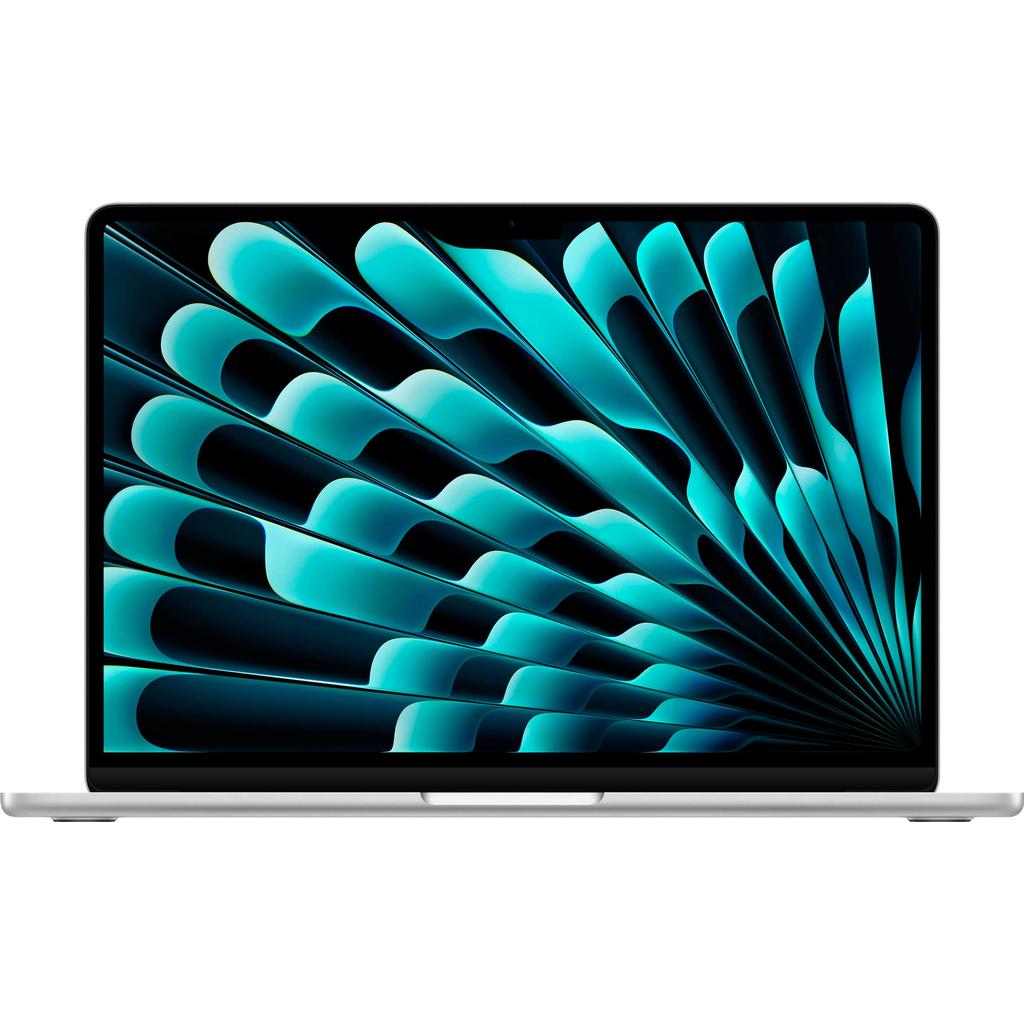
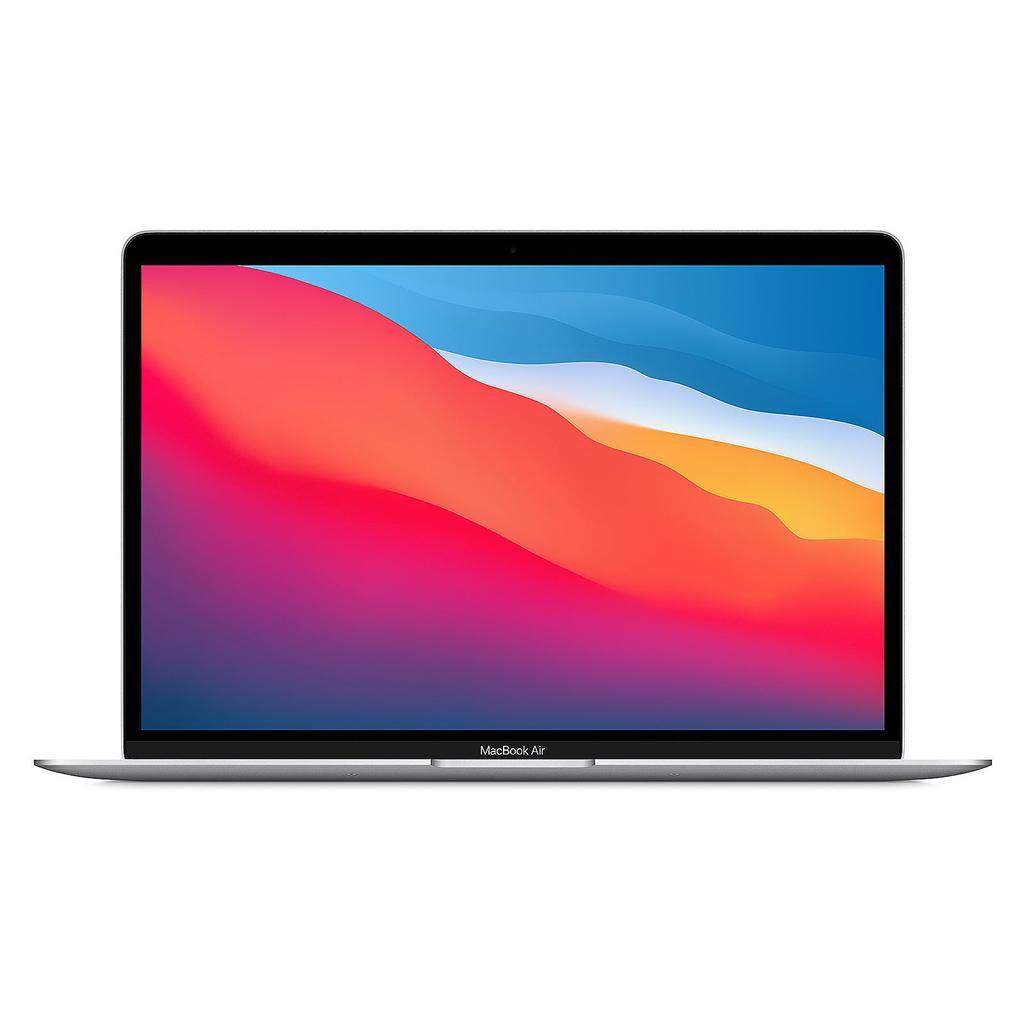
The refurbished MacBook Air M1 Apple: revolutionary M1 chip, 18h battery life, ultra-thin design, 13.3" Retina display. Available in 8GB/256GB, 8GB/512GB, 16GB/512GB. 12-month warranty, savings up to 40% compared to new.

Filters

Sort by
Price
$0$5000

No products found.

Frequently Asked Questions about MacBook Air M1 Refurbished

What are the exact specifications of the MacBook Air M1?

Display: 13.3' Retina (2560x1600, 227 ppi, 400 nits, P3). Chip: M1 (5nm, 8-core CPU 4P+4E, 7 or 8-core GPU, 16-core Neural Engine). RAM: 8GB or 16GB unified. Storage: 256GB, 512GB, 1TB, 2TB SSD. Battery: up to 18h web browsing. Ports: 2x Thunderbolt/USB 4. Weight: 1.29kg. No fan (passive cooling). Touch ID. Backlit Magic Keyboard.

MacBook Air M1 vs M2: exact technical differences?

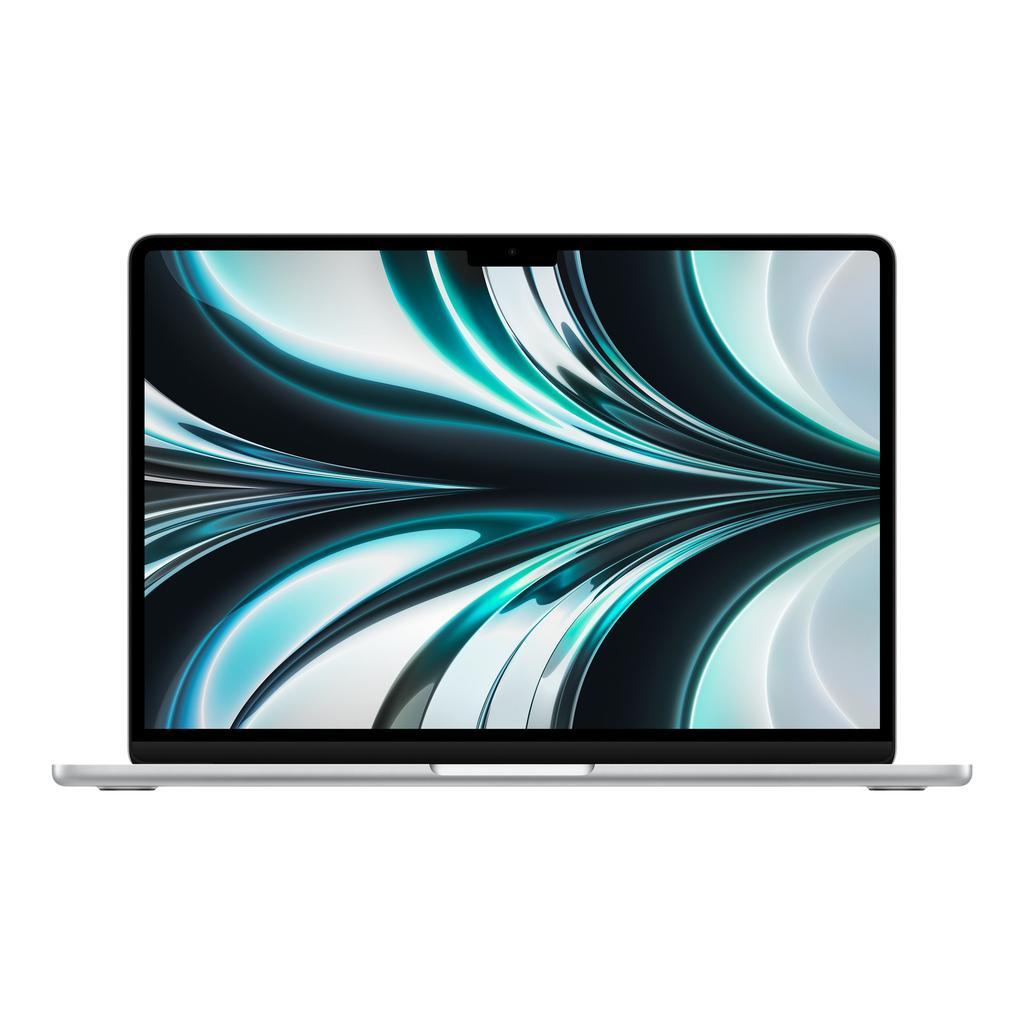
Chip: M1 (8-core CPU, 7-8 GPU) vs M2 (8 CPU, 8-10 GPU, 15% faster). Display: 13.3' vs 13.6' (2560x1600 vs 2560x1664), 400 vs 500 nits. Design: old (rounded edges) vs new (square edges, 11.3mm vs 16.1mm). Ports: 2x TB3 vs 2x TB4 + MagSafe. Webcam: 720p vs 1080p. Weight: 1.29kg vs 1.24kg. Refurbished price: $700-900 vs $1000-1200. M1 offers 95% of M2 performance for 25% less.

8GB or 16GB unified RAM for MacBook Air M1?

8GB: sufficient for Safari (10-15 tabs), Mail, Pages, Keynote, Spotify, 4K streaming, light Xcode, Figma. M1 unified RAM is 2x more efficient than traditional Intel RAM. 16GB: necessary for Photoshop large files (500MB+), Final Cut Pro 4K, Logic Pro, Xcode with simulators, Docker, Parallels VMs. Refurbished price difference: $150-200. For 80% of users, 8GB is enough. Creatives/developers: get 16GB.

Does MacBook Air M1 heat up without a fan?

No, for 95% of use cases! Passive cooling: aluminum chassis dissipates heat. Normal temperature: 35-45°C (warm). Can get hot on long 4K video exports (50-60°C) with light throttling (-10% perf after 10min). Vs MacBook Pro M1 (fan): 5-10% slower on sustained tasks. Advantage: completely silent, no fan noise. For office/web, no difference.

How long will MacBook Air M1 be supported?

Until 2027-2028 minimum (macOS). M1 (2020) follows Apple's 7-8 year cycle. Currently on macOS Sequoia (2024). Will receive macOS until 2027-2028. Bought refurbished in 2024-2025, you have 3-4 years guaranteed support. M1 chip will remain performant until 2030+. One of the best long-term laptop investments. Compared to Windows PCs that slow down after 3-4 years.